Version: 164.0
Developer: Apps You Love
 Verified App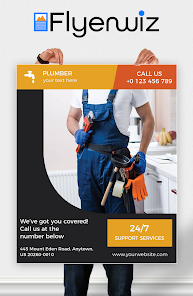
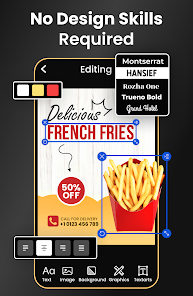
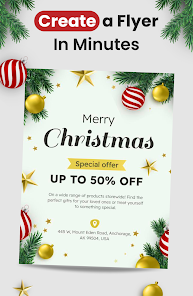

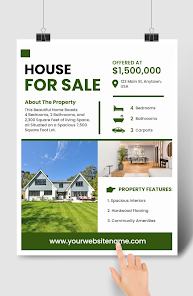
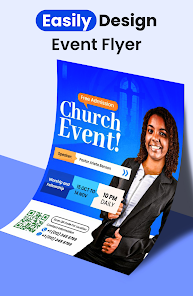

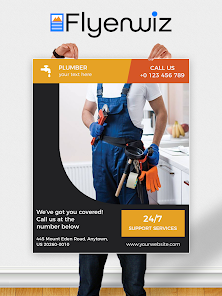
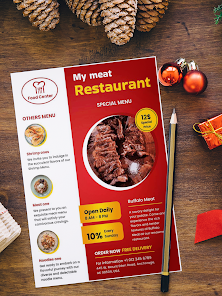
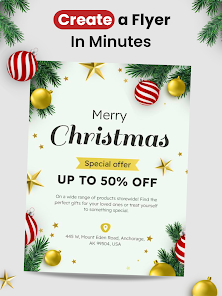
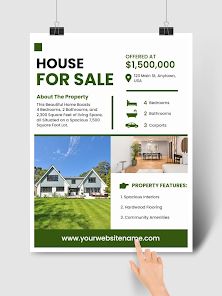
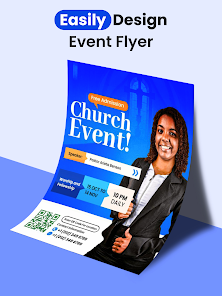

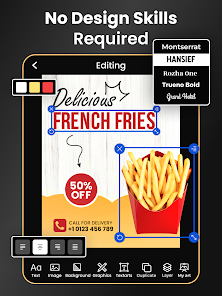
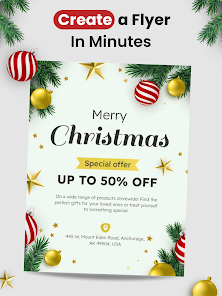

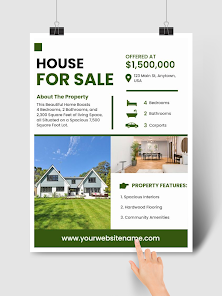
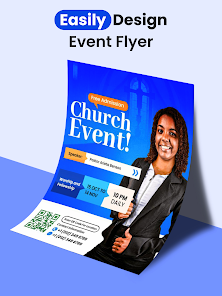
"Flyer Maker, Poster Maker" is a versatile application designed to help users create stunning promotional materials with ease. One of its standout features is a vast library of customizable templates, which cater to various themes and occasions, such as events, sales, and announcements. Users can choose from professionally designed layouts, ensuring that their flyers and posters look polished and appealing.
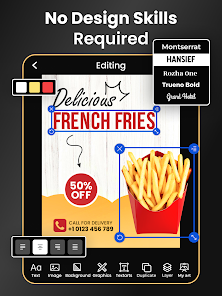
Additionally, the app offers a user-friendly interface that allows for easy drag-and-drop functionality. This means that even those with minimal design experience can create eye-catching graphics effortlessly. Users can also access a wide range of design elements, including fonts, images, and stickers, enabling them to personalize their creations further. The app supports high-resolution exports, ensuring that printed materials maintain their quality. Furthermore, it allows for social media sharing, making it convenient for users to promote their designs online.
Another notable feature is the ability to collaborate with others, which is particularly useful for teams working on marketing campaigns. Overall, "Flyer Maker, Poster Maker" combines functionality with creativity, making it an essential tool for anyone looking to design professional-grade promotional materials.
Using "Flyer Maker, Poster Maker" is a straightforward process that anyone can master quickly. First, download and install the app from your device's app store. Once installed, open the app and browse through the extensive library of templates available. You can filter templates based on categories or themes to find the perfect design for your needs.
After selecting a template, you can customize it by tapping on various elements. The app allows you to change text, colors, and images easily. Simply click on the text box to edit the content, and use the design tools to adjust the font style and size. You can also upload your images or choose from the app's stock photo library to enhance your design.
Once you are satisfied with your creation, you can save it in high resolution for printing or share it directly on social media platforms. The app also provides options for exporting your design in different formats, ensuring compatibility with various printing services. With these simple steps, you can create professional-looking flyers and posters in no time.
Like any application, "Flyer Maker, Poster Maker" has its advantages and disadvantages. One of the primary pros is its user-friendly interface, which makes it accessible for users of all skill levels. The extensive library of templates and design elements allows for a high degree of customization, enabling users to create unique and visually appealing materials. Additionally, the app's collaboration feature is beneficial for teams, facilitating joint efforts in design projects.
However, there are some cons to consider. Some users may find that certain advanced features are limited in the free version, requiring a subscription for full access. Additionally, while the app offers a wide range of templates, some users may desire more niche options that cater to specific industries or events. Lastly, occasional bugs or performance issues can hinder the user experience, particularly on older devices.
In summary, "Flyer Maker, Poster Maker" is a powerful tool for creating promotional materials, but potential users should weigh its pros and cons to determine if it meets their specific needs.

 #N/A
#N/A 
 #N/A
#N/A  Google Play
  App Store
 Spotify Wrapped is an annual feature that summarizes your listening habits, including your most-played songs and artists of the year.
To create a playlist, click "Your Library," then "Playlists," and select "Create Playlist." Add songs by searching or browsing.
Yes, with a Spotify Premium subscription, you can download songs and playlists for offline listening.
Spotify offers a free tier with ads, as well as a Premium subscription that removes ads and adds features.
Click the three dots next to the song, select "Share," and choose your preferred sharing method, like social media or a link.