Version: 1.5.41
Developer: Tayasui Sketches
 Verified App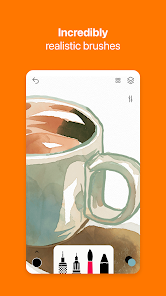
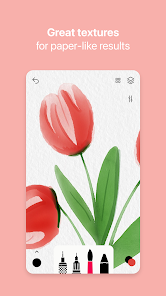
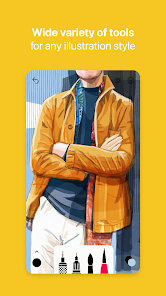
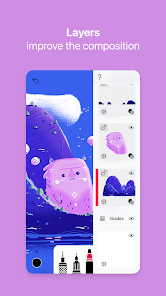
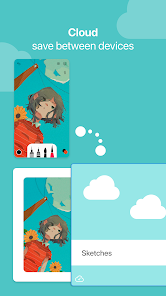
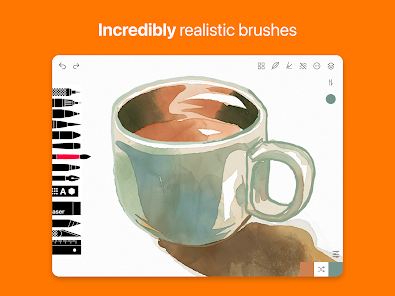
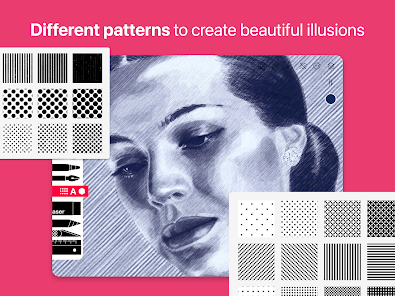
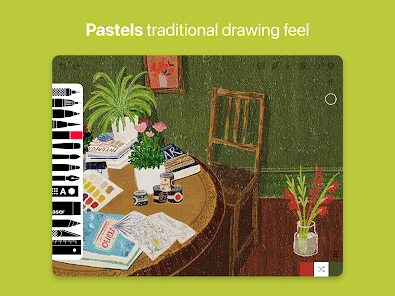
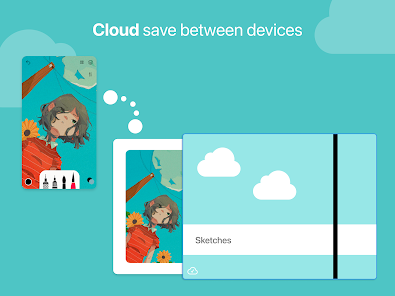
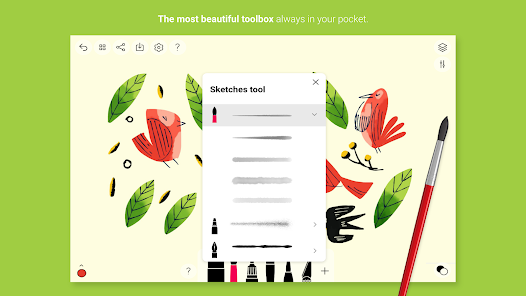
"Tayasui Sketches" is a versatile drawing application that offers a wide array of features tailored for both amateur and professional artists. One of its standout features is the realistic brush engine, which simulates various traditional art tools such as pencils, watercolors, and markers. This allows users to create stunning artwork that mimics real-life techniques. The app also includes layers, enabling artists to work on different elements of their drawings independently, which is essential for complex compositions.
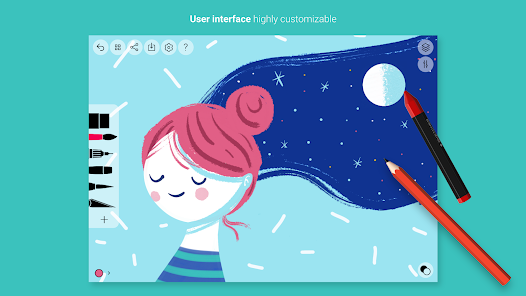
Another notable feature is the intuitive user interface, designed to facilitate a seamless drawing experience. Users can easily access tools and settings without clutter, making it suitable for quick sketches or detailed illustrations. Additionally, "Tayasui Sketches" supports high-resolution canvases, ensuring that artwork can be printed or shared without loss of quality. The app also offers a variety of export options, allowing users to save their creations in different formats. Overall, "Tayasui Sketches" combines simplicity with powerful features, making it a favorite among digital artists.
Using "Tayasui Sketches" is straightforward, making it accessible for users of all skill levels. To get started, download the app from the App Store or Google Play and open it. Upon launching, you will be greeted with a clean interface where you can create a new canvas by selecting the desired size. Once your canvas is ready, you can choose from a variety of brushes and tools located in the toolbar. Simply tap on the tool you wish to use, and adjust its settings, such as size and opacity, to suit your needs.
As you begin drawing, you can utilize layers to separate different elements of your artwork. To add a new layer, tap the layers icon and select 'Add Layer.' This feature allows for greater flexibility and control over your work. Additionally, you can easily undo or redo actions, ensuring that you can experiment without fear of making permanent mistakes. Once you are satisfied with your creation, you can save or share it directly from the app. Overall, "Tayasui Sketches" provides a user-friendly platform for unleashing your creativity.
"Tayasui Sketches" comes with several advantages that make it a popular choice among digital artists. One of the primary pros is its realistic brush simulation, which allows users to achieve a natural look in their artwork. The app's intuitive interface is another significant benefit, as it makes navigation easy and efficient. Additionally, the support for layers and high-resolution canvases enhances the creative process, enabling artists to work on intricate designs without compromising quality. The variety of export options also allows for easy sharing and printing of artwork.
However, there are some drawbacks to consider. One con is that while the app is free to download, many advanced features and tools are locked behind a paywall, which may deter some users. Additionally, some users have reported occasional performance issues, particularly when working with larger files or complex layers. Lastly, while the app is feature-rich, it may lack some advanced functionalities found in more professional-grade software, which could be a limitation for seasoned artists. Overall, "Tayasui Sketches" is a great tool for casual and intermediate users, but professionals may find it lacking in certain areas.

 #N/A
#N/A 
 #N/A
#N/A  Google Play
  App Store
 Spotify Wrapped is an annual feature that summarizes your listening habits, including your most-played songs and artists of the year.
To create a playlist, click "Your Library," then "Playlists," and select "Create Playlist." Add songs by searching or browsing.
Yes, with a Spotify Premium subscription, you can download songs and playlists for offline listening.
Spotify offers a free tier with ads, as well as a Premium subscription that removes ads and adds features.
Click the three dots next to the song, select "Share," and choose your preferred sharing method, like social media or a link.