Version: 2.12.3
Developer: starryai Inc.
 Verified App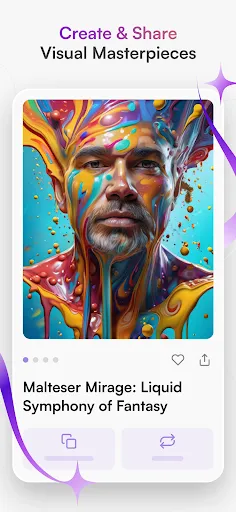
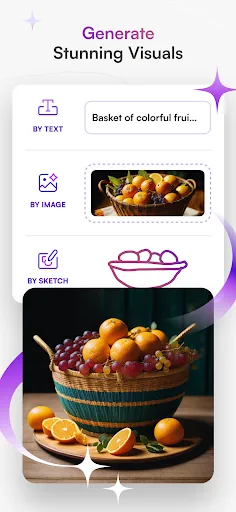
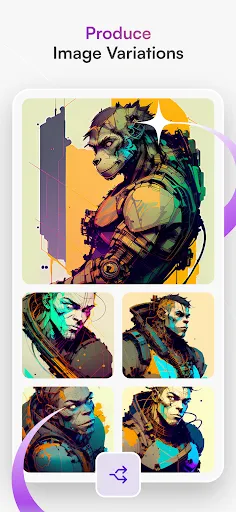
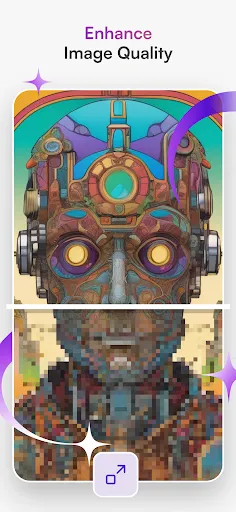
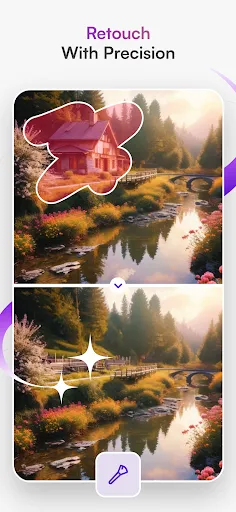
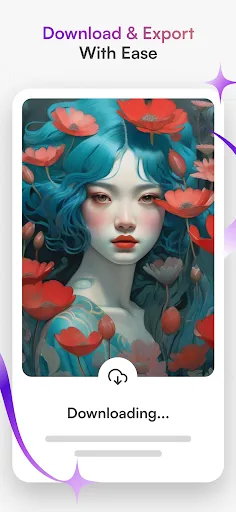
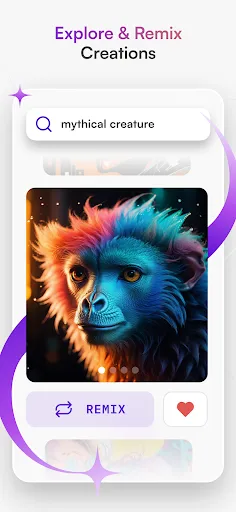
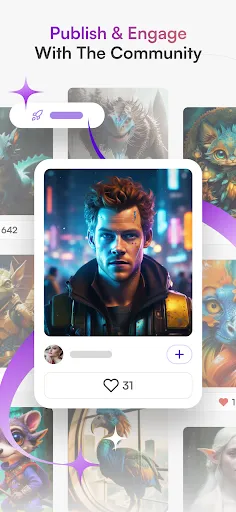
Starryai is an innovative AI art generator that allows users to create stunning artworks with ease. One of its standout features is the ability to generate images from text prompts, enabling users to express their creativity without needing advanced artistic skills. The app utilizes advanced machine learning algorithms to interpret user inputs and produce unique visual representations.
Another notable feature is the extensive customization options available. Users can adjust various parameters, such as style, color palette, and complexity, to tailor the generated artwork to their preferences. Additionally, Starryai offers a user-friendly interface that makes navigation simple, even for those new to digital art creation.
The app also supports multiple art styles, ranging from abstract to realistic, allowing users to explore different artistic expressions. Furthermore, Starryai provides a community platform where users can share their creations, gain inspiration from others, and participate in challenges. This social aspect enhances the overall experience, fostering a sense of community among art enthusiasts.
Using Starryai is a straightforward process that anyone can master. First, download the app from your preferred app store and create an account. Once logged in, you will be greeted with a clean and intuitive interface that guides you through the art creation process.
To start generating art, simply enter a text prompt that describes the image you envision. The app will then process your input and generate a variety of artistic interpretations based on your description. You can refine your prompt or adjust the settings to influence the style and complexity of the artwork.
After the artwork is generated, you can review the results and select your favorite piece. Starryai allows you to save your creations directly to your device or share them on social media platforms. Additionally, you can explore the community section to view and interact with other users' artworks, providing a rich source of inspiration and feedback.
Starryai comes with several advantages that make it a popular choice among digital art enthusiasts. One of the primary benefits is its accessibility; users do not need any prior artistic experience to create impressive artworks. The app's intuitive interface and straightforward process make it easy for anyone to dive into the world of AI-generated art.
Another significant advantage is the variety of customization options available, allowing users to experiment with different styles and settings. The community aspect of Starryai also fosters creativity, as users can share their work and gain inspiration from others. However, there are some drawbacks to consider. The quality of generated art can vary, and some users may find that the results do not always align with their expectations.
Additionally, while the app offers a free version, certain features may be locked behind a paywall, which could limit access for some users. Overall, Starryai is a powerful tool for those looking to explore AI-generated art, but potential users should weigh the pros and cons before diving in.

 #N/A
#N/A 
 #N/A
#N/A  Google Play
  App Store
 Spotify Wrapped is an annual feature that summarizes your listening habits, including your most-played songs and artists of the year.
To create a playlist, click "Your Library," then "Playlists," and select "Create Playlist." Add songs by searching or browsing.
Yes, with a Spotify Premium subscription, you can download songs and playlists for offline listening.
Spotify offers a free tier with ads, as well as a Premium subscription that removes ads and adds features.
Click the three dots next to the song, select "Share," and choose your preferred sharing method, like social media or a link.