Category: Art & Design
Developer: Visual Blasters LLC
 Verified App


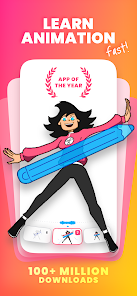
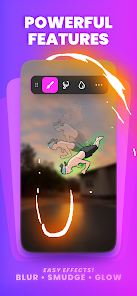
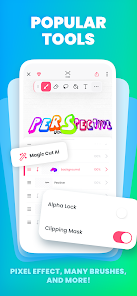
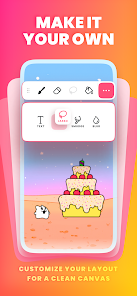
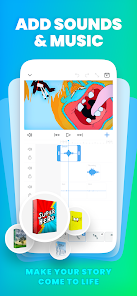

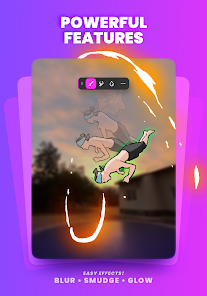
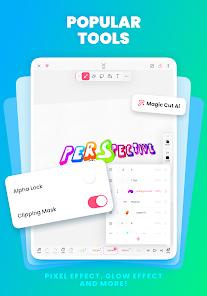
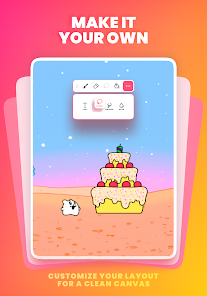
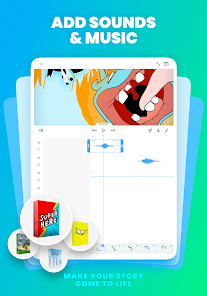
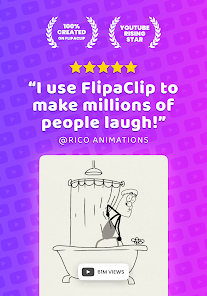
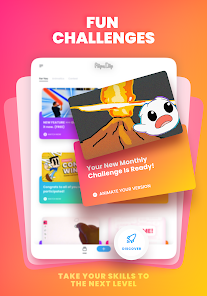
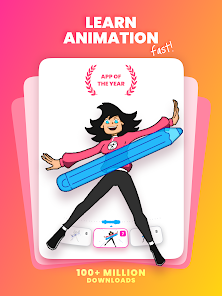
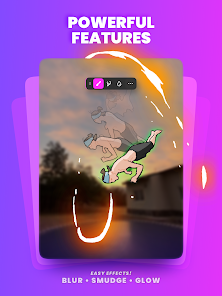
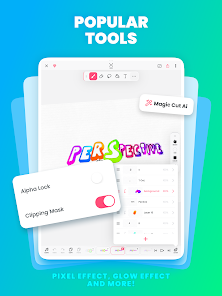
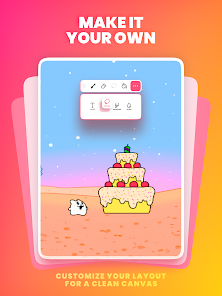
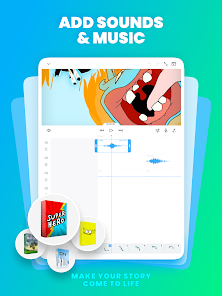
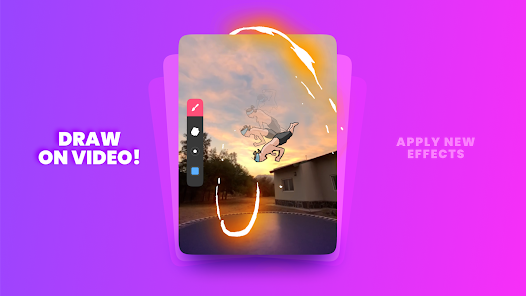
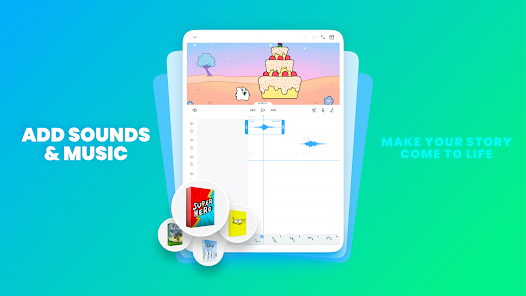
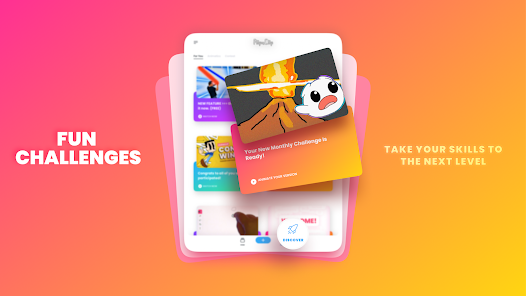
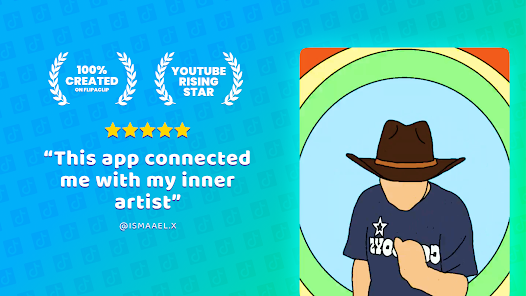
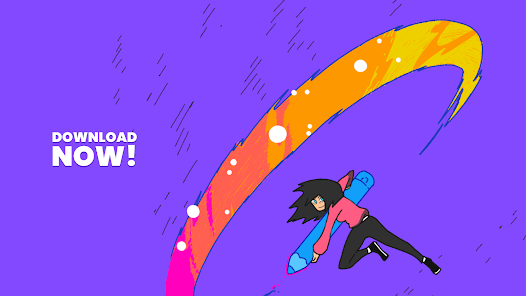
FlipaClip: Create 2D Animation is a versatile app designed for both beginners and experienced animators. One of its standout features is the intuitive user interface, which allows users to easily navigate through various tools and options. The app supports frame-by-frame animation, enabling users to create smooth and fluid animations by drawing each frame individually. Additionally, it offers a variety of brushes and drawing tools, allowing for creative expression and customization.
Another notable feature is the ability to add audio to animations, which enhances storytelling and engagement. Users can import sound files or record their own voiceovers directly within the app. FlipaClip also includes layers, enabling animators to separate different elements of their drawings for more complex animations. Furthermore, the app provides a timeline feature that helps users manage their frames and timing effectively. With options to export animations in various formats, FlipaClip makes it easy to share creations on social media or save them for personal use.
Using FlipaClip is straightforward, making it accessible for users of all skill levels. To get started, download the app from your device's app store and open it. Once inside, you can create a new project by selecting the canvas size and frame rate that suits your animation style. The app provides a blank canvas where you can begin sketching your first frame using the drawing tools available.
After creating your initial drawing, you can add additional frames by duplicating the previous one and making slight adjustments to create movement. Utilize the onion skinning feature to see previous frames, which helps maintain consistency in your animation. Once you have completed your frames, you can add audio by importing sound files or recording directly within the app. Finally, preview your animation to ensure everything flows smoothly, and when satisfied, export your project in your desired format for sharing or saving.
FlipaClip: Create 2D Animation comes with several advantages that make it a popular choice among animators. One of the main pros is its user-friendly interface, which simplifies the animation process for beginners. The app also offers a wide range of drawing tools and features, such as layers and audio integration, allowing for creative flexibility. Additionally, the ability to export animations in various formats makes sharing creations easy and convenient.
However, there are some drawbacks to consider. One con is that while the app is free, certain features and tools may require in-app purchases, which can be a limitation for some users. Additionally, the performance may vary depending on the device, with some users experiencing lag or crashes on older models. Lastly, while FlipaClip is great for 2D animation, it may not offer the advanced features found in professional animation software, which could be a limitation for more experienced animators seeking complex capabilities.

 FlipaClip offers an intuitive interface for easy animation creation. Users can draw frame-by-frame for complete control. It supports layered animations for complex designs and effects. Voiceover and sound effects enhance storytelling capabilities. The community feature allows sharing and collaboration with other creators.
 Limited export options restrict sharing animated projects easily. The user interface can be overwhelming for beginners. Performance issues may arise on lower-end devices during complex animations.

Ive been using Flipaclip since 2021, over 5 years now. I really love how simple and easy it is for beginners to pick up, but the massive problem is that they shove ads and subscriptions in your face any time you do anything, God forbid I want to add an image. They keep locking things behind premium or ads that should be completely free for anyone to use, including using more than 3 layers, some brushes, and to HIDE THE HUGE WATERMARK! As much as I love this app, it desperately needs improvement.
after my 7 day free trial ended...let me adjust this review. 1. You absolutely still need a liquify tool, that hasn't changed. But I would like to understand why, during the entire 7 day free trial, I didn't see one ad, not a single one, but as soon as you charge my card...bam! ads every time I open the app! and they aren't just simple click away ones either, they are the annoying ones that you have to wait, watch and do multiple steps to click out of...what am I paying for then?
I mainly use Flipaclip to draw and use it for some animation for 2 years, and honestly, this app isn't that great. The number of ads you get in one day is stupid. Want to add a photo? An ad. Want to exit in and out of a project? An ad. Also, half of the brushes I want to use to make a new art style is locked by a $30 subscription that isn't even permanent. Not only that, I can't even use over 3 layers without paying that said subscription. The only thing saving it is how easy it is to use it.
I absolutely love this platform! Although it is on the more basic side, for a free app it works well! So far I haven't had any problems or bugs, but I do wish that they had better and more diverse brushes. I am a beginner animator, so overall it works for what I'm doing. I do kind of wish there were more settings for the onion skin feature, like maybe add a transparency setting or something. The content is incredible! There are so many talented animators and editors, and It's really inspiring!
It's good for animation and drawing... but it sucks when you're drawing and if your other finger slips and touches the screen your drawing is gone. Don't get me started on how many ads there are. If you accidentally click out which it's very sensitive to that it will give you ads like 3 so you have to close out. It's really annoying. I didn't think I would have to make a review on this app after using it for 4 years.
Review Source: Google Play store public user reviews.
FlipaClip may collect certain user data as outlined in their privacy policy, but they prioritize user privacy and data protection.
Yes, FlipaClip offers a free version with basic features, while additional premium features can be accessed through in-app purchases or subscriptions.
No, FlipaClip can be used offline, although some features may require an internet connection for updates or accessing certain content.
Support and feedback can be sent through the app's help section or by visiting the official FlipaClip website, where you can find contact information and resources.
You can manage or cancel your subscription through your device's app store settings, where you'll find options to modify your subscription preferences.
No, you must use the email you registered with to activate your account. Please check your inbox for the activation link.
Customer numbers cannot be changed. If you believe your number is incorrect, please contact customer service for verification.
You can contact customer service by visiting our support page and submitting a request. Our team will get back to you as soon as possible.
To log in, open the app, tap on 'Log In', and enter your registered email and password.
If you can't log in, click on 'Forgot Password?' on the login screen and follow the instructions to reset your password via email.
- Bug fixes and improvements.




 Google Play
  App Store