
Version: 1.1.0
Developer: Ramin Nazer
 Verified App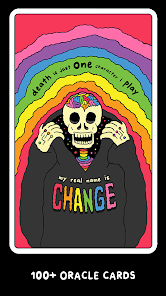
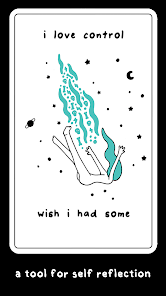
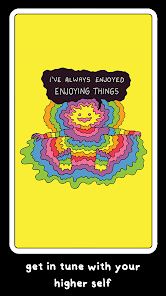
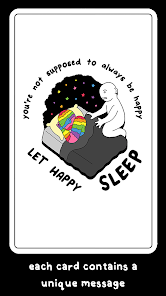
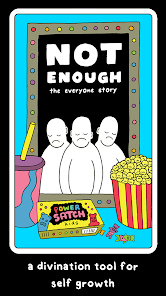
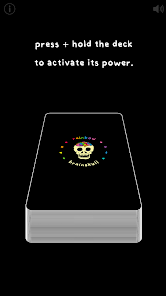
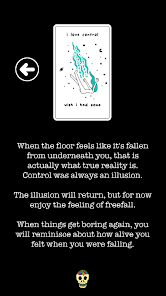
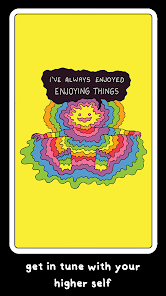
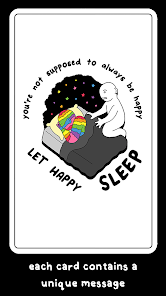
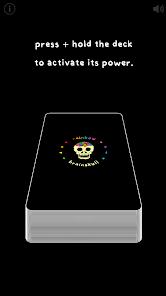
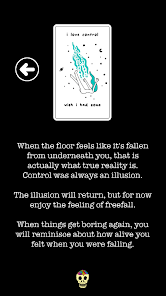
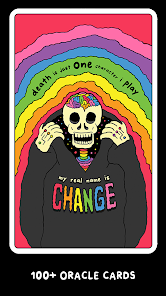
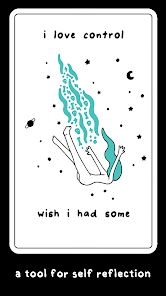
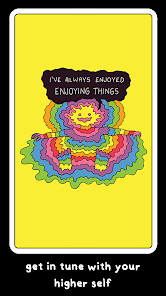
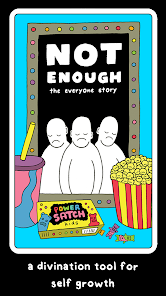
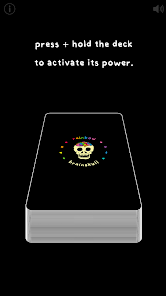
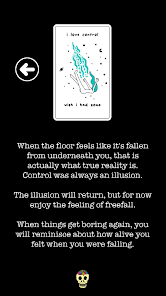
The "Rainbow Brainskull Oracle Deck" is a vibrant and unique tool designed for intuitive guidance and self-reflection. One of its standout features is the stunning artwork, which combines colorful illustrations with a whimsical, yet slightly macabre aesthetic. Each card is adorned with intricate designs that evoke a sense of wonder and curiosity, making the deck visually appealing and engaging.
Another notable feature is the diverse range of themes and messages encapsulated within the cards. The deck includes a variety of archetypes, symbols, and concepts that encourage users to explore their inner thoughts and feelings. This variety allows for a rich and multifaceted reading experience, catering to different emotional and spiritual needs.
Additionally, the accompanying guidebook provides insightful interpretations and prompts for each card, enhancing the user's understanding and connection to the deck. The "Rainbow Brainskull Oracle Deck" is not just a tool for divination; it also serves as a source of inspiration and creativity, making it suitable for both seasoned practitioners and newcomers alike.
Using the "Rainbow Brainskull Oracle Deck" is a straightforward yet deeply personal experience. To begin, find a quiet space where you can focus and connect with your intuition. Shuffle the cards while concentrating on a question or intention you wish to explore. This process helps to infuse your energy into the deck, creating a more meaningful reading.
Once you feel ready, draw a card or multiple cards, depending on your preferred reading style. You can opt for a single card for a quick insight or a more elaborate spread for a comprehensive exploration of your situation. After drawing the cards, take a moment to observe the imagery and reflect on your initial feelings and thoughts.
Consult the guidebook for interpretations and prompts related to the cards you’ve drawn. Use these insights to delve deeper into your question or situation, allowing the messages to guide your reflections and decisions. Remember, the key to using the deck effectively lies in your intuition and personal connection to the cards.
The "Rainbow Brainskull Oracle Deck" app offers several advantages that enhance the user experience. One of the primary benefits is accessibility; users can carry the deck on their mobile devices, making it easy to consult the cards anytime and anywhere. The app also features interactive elements, such as customizable readings and the ability to save past sessions for future reference, which can be particularly helpful for tracking personal growth over time.
Moreover, the app often includes additional resources, such as guided meditations or community forums, fostering a sense of connection among users. This can enrich the overall experience and provide a supportive environment for those exploring their spiritual journeys.
However, there are some drawbacks to consider. Some users may prefer the tactile experience of handling physical cards, which can be lost in a digital format. Additionally, reliance on technology may detract from the meditative aspect of traditional readings. Lastly, the app may require regular updates or subscriptions, which could be a downside for those looking for a one-time purchase. Balancing these pros and cons can help users determine if the app aligns with their personal preferences and needs.

 #N/A
#N/A 
 #N/A
#N/A Spotify Wrapped is an annual feature that summarizes your listening habits, including your most-played songs and artists of the year.
To create a playlist, click "Your Library," then "Playlists," and select "Create Playlist." Add songs by searching or browsing.
Yes, with a Spotify Premium subscription, you can download songs and playlists for offline listening.
Spotify offers a free tier with ads, as well as a Premium subscription that removes ads and adds features.
Click the three dots next to the song, select "Share," and choose your preferred sharing method, like social media or a link.











 Google Play
  App Store