Version: 4.0.6.1
Developer: Amazon Mobile LLC
 Verified App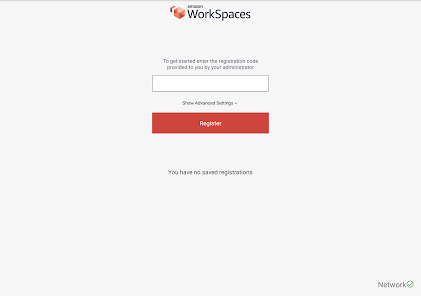
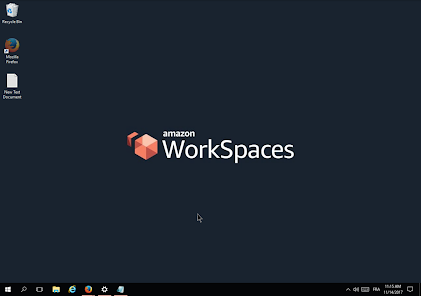
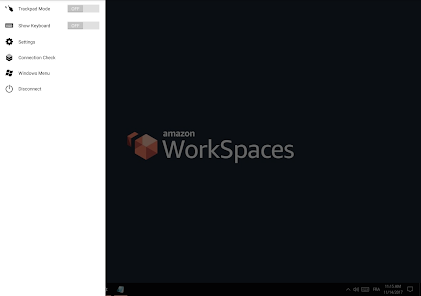
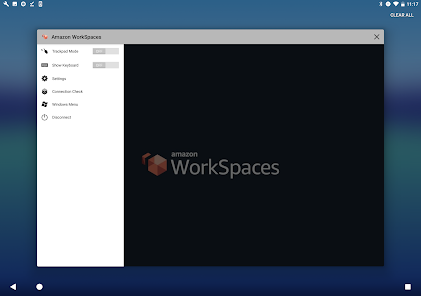
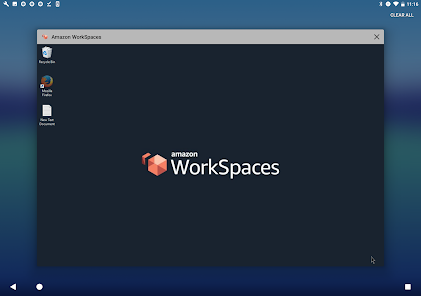
Amazon WorkSpaces is a managed, secure Desktop-as-a-Service (DaaS) solution that allows users to access cloud-based desktops from anywhere. One of its key features is the ability to provision Windows or Linux desktops quickly, enabling businesses to scale their operations efficiently. Users can choose from various instance types, ensuring that they have the right amount of CPU, memory, and storage for their specific needs.
Another notable feature is the integration with Amazon's security services, which provides robust data protection and compliance capabilities. WorkSpaces also supports multi-factor authentication, ensuring that only authorized users can access sensitive information. Additionally, it offers seamless integration with existing Active Directory environments, allowing organizations to manage user access and permissions easily.
Amazon WorkSpaces also provides a user-friendly interface, making it easy for employees to access their desktops from various devices, including PCs, Macs, and tablets. The service includes automatic backups and the ability to restore previous versions of desktops, enhancing data resilience. Furthermore, it offers flexible pricing options, allowing businesses to pay only for what they use, making it a cost-effective solution for many organizations.
Using Amazon WorkSpaces is a straightforward process that begins with setting up an AWS account. Once you have an account, navigate to the Amazon WorkSpaces console, where you can create a new WorkSpace. You will need to select the desired operating system, instance type, and storage options based on your requirements. After configuring these settings, you can launch the WorkSpace, which typically takes just a few minutes.
Once the WorkSpace is up and running, users will receive an email with instructions on how to connect. They can access their WorkSpace using the Amazon WorkSpaces client application, available for various platforms, including Windows, macOS, iOS, and Android. After installing the client, users simply enter their credentials to log in and start using their cloud desktop.
For ongoing management, administrators can monitor usage, manage user access, and make adjustments to the WorkSpaces as needed through the AWS Management Console. This flexibility allows organizations to adapt their cloud desktop environment to meet changing business needs efficiently. Overall, Amazon WorkSpaces provides a user-friendly and scalable solution for remote desktop access.
Amazon WorkSpaces offers several advantages that make it an appealing choice for businesses looking for a cloud desktop solution. One of the primary benefits is its scalability; organizations can easily add or remove WorkSpaces based on their workforce needs. This flexibility allows companies to respond quickly to changes in demand without the need for significant upfront investments in hardware. Additionally, the service's integration with AWS security features ensures that sensitive data is well-protected.
However, there are also some drawbacks to consider. One potential downside is the dependency on a stable internet connection, as performance can be affected by bandwidth limitations or connectivity issues. Furthermore, while the pricing model is flexible, costs can accumulate if not monitored closely, especially for larger teams. Some users may also find the initial setup process complex, particularly if they are not familiar with AWS services.
In summary, Amazon WorkSpaces provides a robust and flexible solution for remote desktop access, with notable benefits in scalability and security. However, organizations should weigh these advantages against potential challenges, such as internet dependency and cost management, to determine if it aligns with their specific needs.

 #N/A
#N/A 
 #N/A
#N/A Spotify Wrapped is an annual feature that summarizes your listening habits, including your most-played songs and artists of the year.
To create a playlist, click "Your Library," then "Playlists," and select "Create Playlist." Add songs by searching or browsing.
Yes, with a Spotify Premium subscription, you can download songs and playlists for offline listening.
Spotify offers a free tier with ads, as well as a Premium subscription that removes ads and adds features.
Click the three dots next to the song, select "Share," and choose your preferred sharing method, like social media or a link.












 Google Play
  App Store