Version: 1.16.0
Developer: AtomApplications
 Verified App
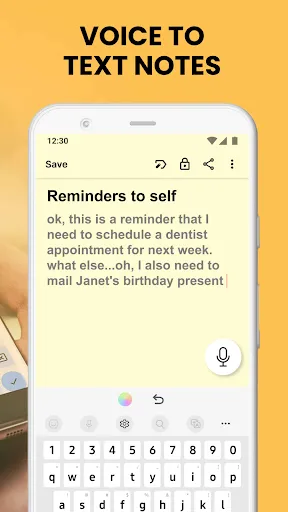
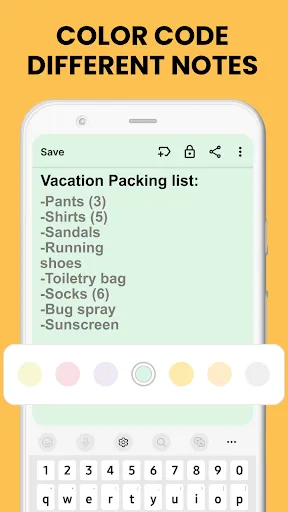
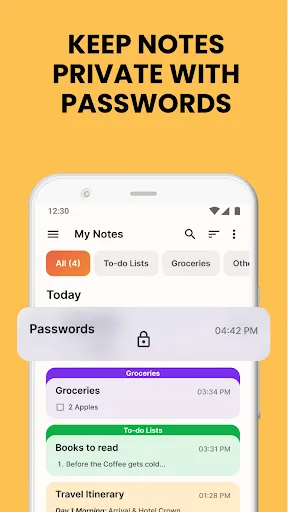
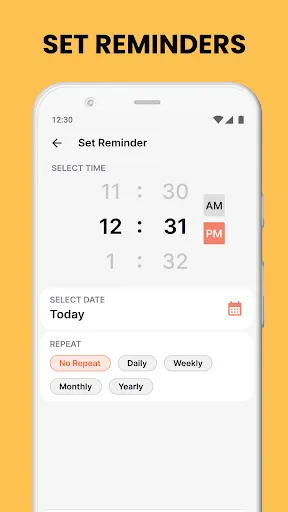
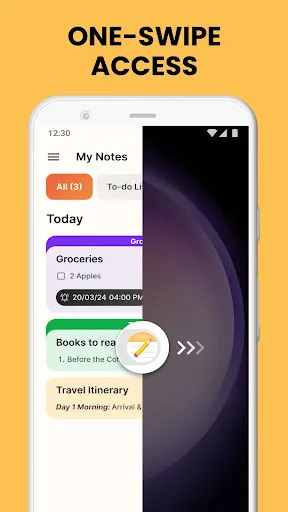
"Notes Launcher: Notepad, To-do" is a versatile application designed to enhance productivity and organization. One of its standout features is the ability to create and manage notes seamlessly. Users can jot down quick thoughts, detailed notes, or even lengthy documents, all within a user-friendly interface. The app also supports to-do lists, allowing users to prioritize tasks and track their progress effectively.
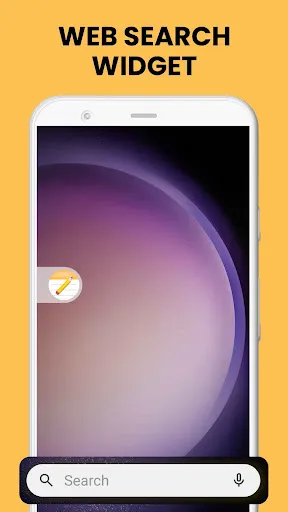
Another notable feature is the customizable home screen widget, which provides quick access to notes and tasks without needing to open the app. This feature is particularly useful for users who want to stay organized at a glance. Additionally, the app offers cloud synchronization, ensuring that notes and tasks are accessible across multiple devices. Users can also categorize their notes with tags, making it easier to find specific information later. Overall, "Notes Launcher" combines functionality with ease of use, making it an essential tool for anyone looking to boost their productivity.
Using "Notes Launcher: Notepad, To-do" is straightforward and intuitive. Upon launching the app, users are greeted with a clean interface that allows for easy navigation. To create a new note, simply tap the "+" icon, and a blank page will open for you to start typing. You can format your text, add bullet points, or even insert images to enhance your notes.
For task management, users can switch to the to-do list feature by selecting the appropriate tab. Here, you can add tasks, set deadlines, and mark them as complete once finished. To further streamline your experience, consider utilizing the home screen widget, which can be customized to display your most important notes and tasks. This way, you can keep your priorities front and center. Regularly syncing your notes with the cloud ensures that your information is always up-to-date and accessible from any device, making it a reliable tool for both personal and professional use.
"Notes Launcher: Notepad, To-do" comes with several advantages that make it appealing to users. One of the primary pros is its user-friendly interface, which allows for easy navigation and quick access to features. The ability to create both notes and to-do lists in one app is a significant benefit, as it consolidates multiple productivity tools into a single platform. Additionally, the cloud synchronization feature ensures that users can access their notes from any device, providing flexibility and convenience.
However, the app is not without its drawbacks. Some users may find that the customization options are somewhat limited compared to other note-taking applications. Additionally, while the app is generally reliable, occasional bugs or performance issues may arise, which can hinder the user experience. Lastly, the lack of advanced features, such as collaboration tools or extensive formatting options, may deter users who require more robust functionality. Overall, while "Notes Launcher" is a solid choice for basic note-taking and task management, it may not meet the needs of all users.

 Notes Launcher streamlines your tasks with a user-friendly interface. Effortlessly organize notes and to-do lists in one place. Sync across devices for seamless access anytime, anywhere. Set reminders to stay on top of your important tasks. Enjoy a minimalist design that enhances focus and productivity.
 Limited formatting options hinder creative note-taking. Syncing issues may lead to lost data. User interface can feel cluttered and confusing.
  Google Play
  App Store
 Yes, users are encouraged to submit suggestions or feedback through the app's help section or via the official website, as the developers appreciate input for improving the app.
Notes Launcher: Notepad, To-do respects user privacy and does not collect personal data without consent; users can review the privacy policy for more details on data handling.
Yes, Notes Launcher: Notepad, To-do supports offline use, allowing users to access and edit their notes and tasks without an internet connection.
Users can cancel their subscription directly through the app settings or their app store account settings before the next billing cycle to avoid further charges.
The subscription costs vary depending on the plan chosen, with options for monthly or annual payments that unlock additional features and functionalities.
Yes, you can change your login information in the app settings under "Account Management." If you need further assistance, please contact customer service.
You can reach our customer service by emailing support
To activate your account, follow the link sent to your registered email after sign-up. If you didn't receive it, check your spam folder or contact customer service.
You can reset your password by selecting "Forgot Password" on the login page. Follow the instructions sent to your email for recovery.
You can find your customer number in the app settings under "Account Information" or contact customer service for assistance.