Version: 1.1.6.5
Developer: HONGKONG FLASHGET NETWORK TECHNOLOGY
 Verified App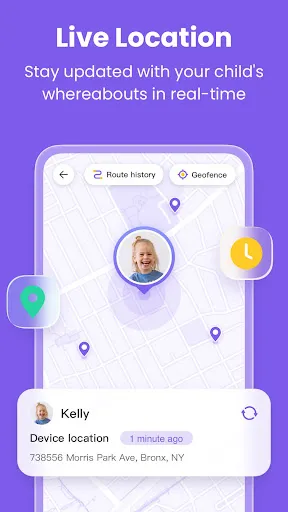
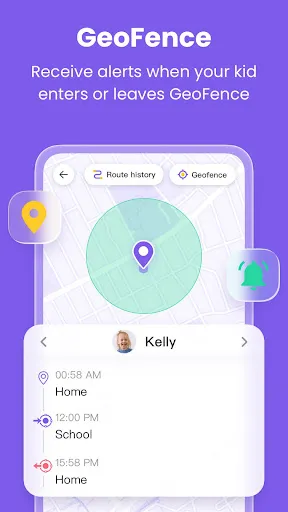
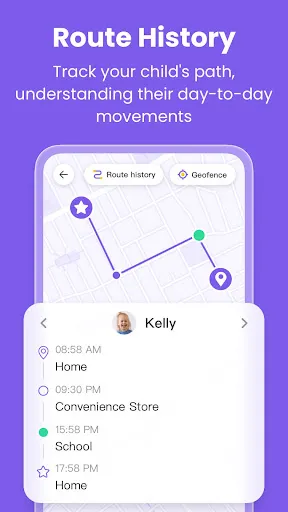
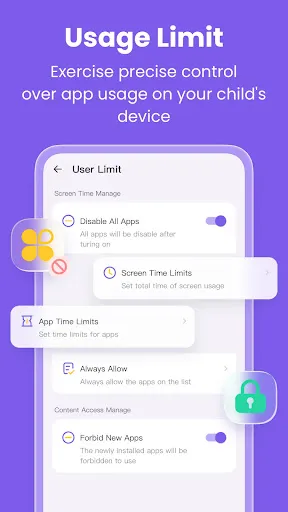
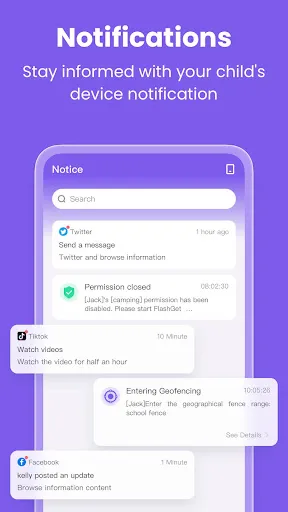
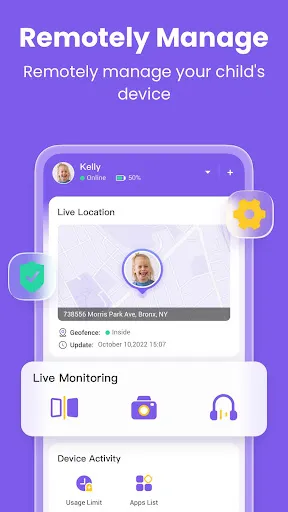
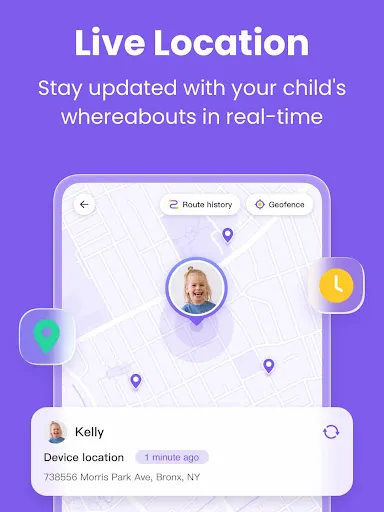
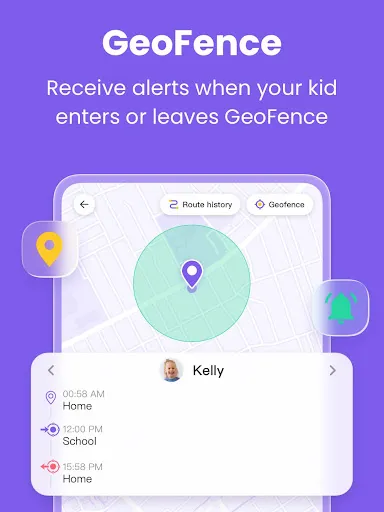
"FlashGet Kids: Parental Control" offers a comprehensive suite of features designed to help parents monitor and manage their children's online activities. One of the standout features is real-time monitoring, which allows parents to track their child's internet usage and identify any potentially harmful content. The app also includes customizable content filters, enabling parents to block specific websites or categories of content that they deem inappropriate for their children.
Another significant feature is the time management tool, which lets parents set limits on how long their children can spend on devices or specific applications. This helps promote a healthy balance between screen time and other activities. Additionally, the app provides activity reports, giving parents insights into their child's online behavior and helping them make informed decisions about internet safety. The user-friendly interface ensures that parents can easily navigate the app and adjust settings as needed, making it a practical choice for families looking to enhance their digital parenting strategies.
Using "FlashGet Kids: Parental Control" is straightforward and user-friendly. To get started, parents need to download the app from their device's app store and create an account. Once the app is installed, they can set up profiles for each child, allowing for personalized settings tailored to individual needs. After creating profiles, parents can configure content filters to block inappropriate websites and set time limits for device usage.
To monitor their child's online activities, parents can access the real-time monitoring feature, which provides updates on the websites visited and apps used. The app also allows for the scheduling of device usage, ensuring that children have designated times for online activities. Regularly reviewing the activity reports will help parents stay informed about their child's internet habits and make necessary adjustments to the settings. Overall, the app is designed to empower parents in guiding their children's online experiences effectively.
"FlashGet Kids: Parental Control" comes with several advantages that make it a valuable tool for parents. One of the primary pros is its comprehensive monitoring capabilities, which provide parents with insights into their child's online behavior. The customizable content filters are another significant benefit, allowing parents to tailor the app to their family's specific needs. Additionally, the time management features help promote healthy screen time habits, making it easier for parents to enforce limits.
However, there are some cons to consider. Some users may find the app's interface slightly overwhelming at first, especially if they are not tech-savvy. Additionally, while the app offers robust features, it may require regular updates and adjustments to remain effective as children's online habits evolve. Lastly, some parents may feel that constant monitoring could lead to trust issues between them and their children. Balancing oversight with fostering independence is crucial for effective use of the app.

 Enhances online safety by restricting access to inappropriate content Monitors children's online activities for peace of mind Empowers parents with customizable control settings Encourages healthy digital habits through usage tracking Offers real-time alerts for suspicious online behavior
 Limited customization options may not suit all family needs Can be challenging to navigate for younger users Frequent updates might disrupt usage and require constant attention
  Google Play
  App Store
 Yes, users are encouraged to provide suggestions or feedback through the app’s support section or via email, as the developers value user input for future updates.
FlashGet Kids prioritizes user privacy and does not collect personal data without consent, adhering to strict data protection regulations.
Yes, FlashGet Kids has functionalities that work offline, allowing parents to manage certain settings and monitor activities even without an internet connection.
You can cancel your subscription directly through the app settings or by contacting customer support, following the outlined cancellation process.
Subscription pricing for FlashGet Kids varies depending on the plan chosen, with options for monthly or yearly subscriptions available at competitive rates.
No, you need your customer number to activate your account. If you need help, contact customer service for guidance.
Unfortunately, customer numbers cannot be changed. If you have concerns, please contact our customer service for further assistance.
You can reach our customer service at support
To activate your account, enter your customer number and follow the prompts on the activation page. For help, reach out to customer service.
To log in, visit our website and enter your registered email and password. Click "Log In" to access your account.