Version: 2
Developer: BytePioneers s. r. o.
 Verified App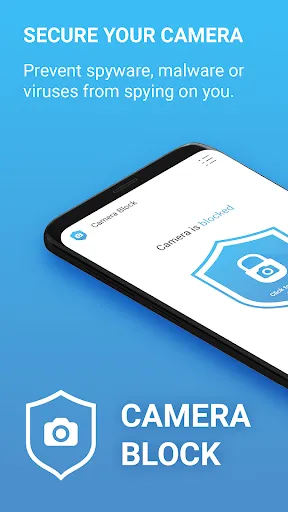
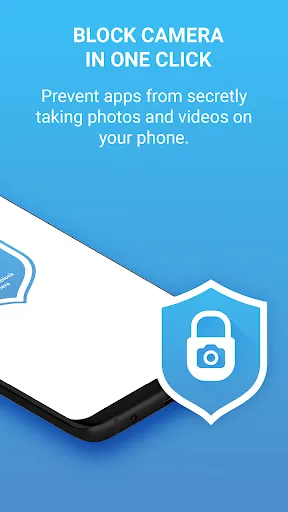
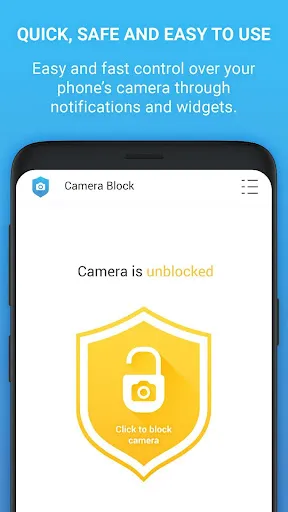
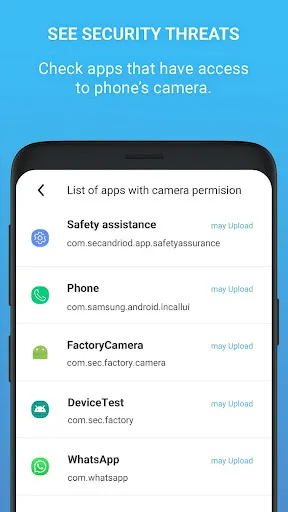
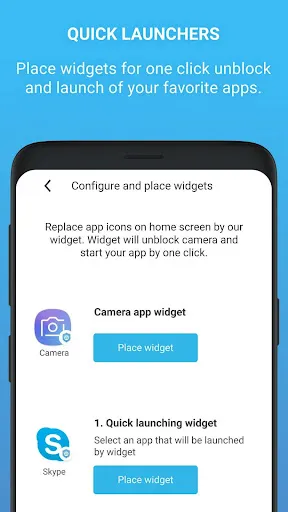
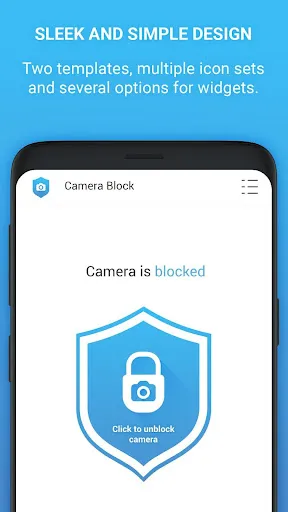
"Camera Block: Guard & Anti Spy" is a robust application designed to protect users from unauthorized camera access. One of its primary features is the ability to block all camera access on the device, ensuring that no app can use the camera without explicit permission. This feature is particularly useful in safeguarding privacy, especially in an age where unauthorized surveillance is a growing concern.
Another notable feature is the real-time monitoring of camera usage. The app notifies users whenever an application attempts to access the camera, allowing for immediate action if any suspicious activity is detected. Additionally, "Camera Block" offers customizable settings, enabling users to choose which apps can access the camera while blocking others. The user-friendly interface makes it easy to navigate through the settings and manage permissions effectively. Furthermore, the app provides a log of camera access attempts, giving users insight into which applications are trying to use the camera and when.
Overall, "Camera Block: Guard & Anti Spy" combines essential features to enhance user privacy and security, making it a valuable tool for anyone concerned about unauthorized camera access.
Using "Camera Block: Guard & Anti Spy" is straightforward and user-friendly. After downloading and installing the app from the app store, users need to grant the necessary permissions for the app to function effectively. This typically includes permissions to access device settings and notifications, which are crucial for monitoring camera usage.
Once the app is set up, users can navigate through the main dashboard to customize their preferences. The app allows users to toggle camera access on or off for individual applications, providing granular control over which apps can use the camera. Users can also enable notifications to receive alerts whenever an app attempts to access the camera, ensuring they remain informed about potential privacy breaches.
For optimal protection, it is recommended to regularly check the access logs provided by the app. This feature helps users identify any unauthorized attempts to access the camera, allowing them to take appropriate action, such as uninstalling suspicious applications. Overall, the app is designed to be intuitive, making it accessible for users of all technical backgrounds.
Like any application, "Camera Block: Guard & Anti Spy" has its advantages and disadvantages. One of the primary pros is its ability to enhance user privacy by blocking unauthorized camera access. This feature is crucial in today's digital landscape, where privacy concerns are paramount. Additionally, the app's real-time notifications keep users informed about which applications are attempting to access the camera, allowing for proactive management of privacy settings.
Another advantage is the customizable settings, which enable users to tailor the app's functionality to their specific needs. The user-friendly interface makes it easy for individuals, regardless of their technical expertise, to navigate and utilize the app effectively. However, there are some cons to consider. Some users may find that the app can be overly restrictive, blocking legitimate applications that require camera access for functionality.
Moreover, the app may consume additional battery life due to its monitoring features, which could be a concern for users who prioritize battery efficiency. Overall, while "Camera Block: Guard & Anti Spy" offers significant benefits in terms of privacy protection, users should weigh these pros and cons based on their individual needs and usage patterns.

 #N/A
#N/A 
 #N/A
#N/A  Google Play
  App Store
 Spotify Wrapped is an annual feature that summarizes your listening habits, including your most-played songs and artists of the year.
To create a playlist, click "Your Library," then "Playlists," and select "Create Playlist." Add songs by searching or browsing.
Yes, with a Spotify Premium subscription, you can download songs and playlists for offline listening.
Spotify offers a free tier with ads, as well as a Premium subscription that removes ads and adds features.
Click the three dots next to the song, select "Share," and choose your preferred sharing method, like social media or a link.