Version: 5.6.0
Developer: Threema GmbH
 Verified App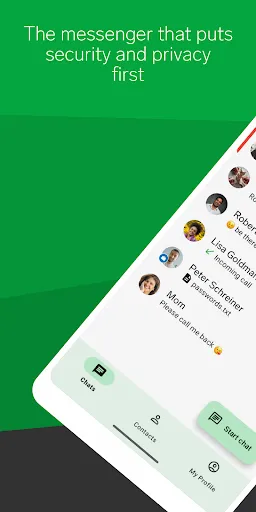
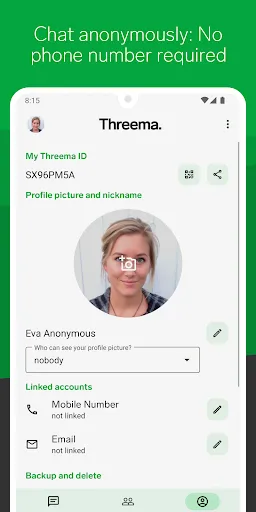
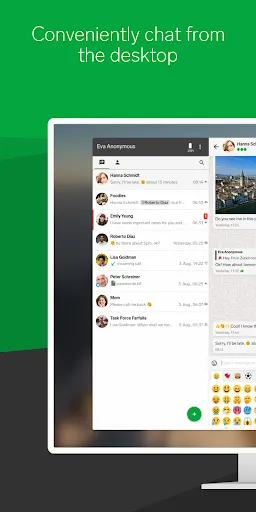
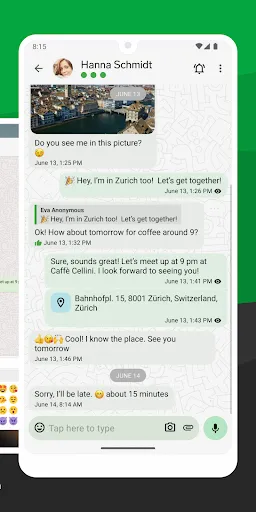
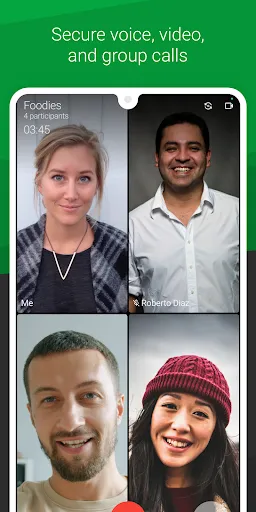
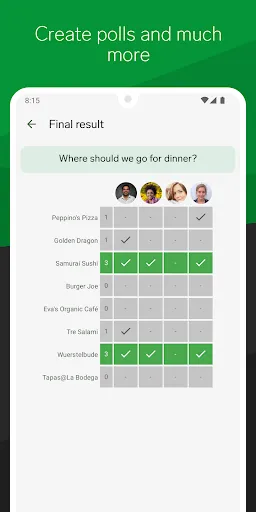
Threema is a privacy-focused messaging application that prioritizes user security and data protection. One of its standout features is end-to-end encryption, ensuring that only the sender and recipient can read the messages. This encryption extends to all forms of communication within the app, including text messages, voice calls, and file sharing. Threema does not require a phone number or email address for registration, allowing users to maintain anonymity while using the service.
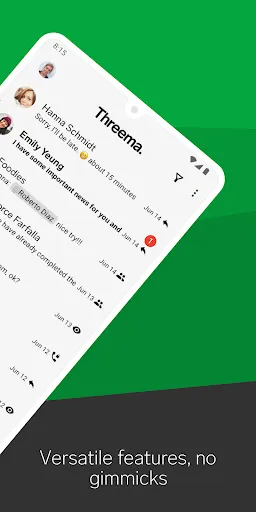
Another notable feature is the ability to create polls and surveys, making it a versatile tool for group communication. Threema also supports voice and video calls, providing a comprehensive communication platform. Users can send multimedia files, including images and videos, with the same level of security. Additionally, the app includes a built-in chat backup feature, allowing users to securely store their chat history. Threema's user interface is intuitive and user-friendly, making it accessible for individuals of all tech-savviness levels.
Lastly, Threema is available on multiple platforms, including iOS, Android, and desktop, ensuring that users can stay connected regardless of their device. Overall, Threema combines robust security features with practical functionalities, making it a compelling choice for those who value privacy in their communications.
Using Threema is straightforward and user-friendly. To get started, download the app from the App Store or Google Play Store, depending on your device. Once installed, you will be prompted to create a Threema ID, which is a unique identifier that allows you to communicate without sharing personal information like your phone number. After setting up your ID, you can customize your profile by adding a display name and profile picture.
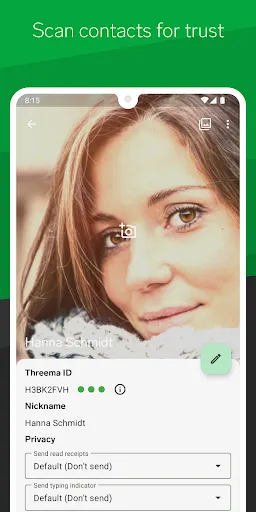
To connect with friends or family, you can share your Threema ID or scan their QR code directly within the app. Once connected, you can start sending messages, making voice or video calls, and sharing files securely. The app's interface allows for easy navigation through chats, groups, and settings. You can also create groups for more efficient communication with multiple contacts. Threema's features, such as polls and surveys, can be accessed through the chat interface, enhancing group interactions.
For added security, you can enable two-factor authentication and set up a password for your app. Regular updates ensure that the app remains secure and introduces new features. Overall, Threema is designed to provide a seamless and secure messaging experience, making it easy for users to communicate privately.
Threema offers several advantages that make it a popular choice among users seeking secure messaging options. One of the primary benefits is its strong emphasis on privacy; the app does not collect user data or require personal information for registration. This anonymity is appealing to those who prioritize their digital footprint. Additionally, Threema's end-to-end encryption ensures that all communications remain confidential, providing peace of mind to users. The app also supports a variety of features, including voice and video calls, file sharing, and group chats, making it a versatile communication tool.
However, there are some drawbacks to consider. Threema is a paid app, which may deter some users who prefer free alternatives. While the app is feature-rich, it may not have as large a user base as other popular messaging platforms, potentially limiting your ability to connect with friends and family who do not use Threema. Furthermore, some users may find the interface less intuitive compared to more mainstream messaging apps. Overall, while Threema excels in security and privacy, potential users should weigh these pros and cons before making a decision.
In conclusion, Threema is an excellent choice for those who prioritize secure communication, but it may not be the best fit for everyone due to its cost and user base limitations.

 #N/A
#N/A 
 #N/A
#N/A  Google Play
  App Store
 Spotify Wrapped is an annual feature that summarizes your listening habits, including your most-played songs and artists of the year.
To create a playlist, click "Your Library," then "Playlists," and select "Create Playlist." Add songs by searching or browsing.
Yes, with a Spotify Premium subscription, you can download songs and playlists for offline listening.
Spotify offers a free tier with ads, as well as a Premium subscription that removes ads and adds features.
Click the three dots next to the song, select "Share," and choose your preferred sharing method, like social media or a link.