Version: 0.33.1
Developer: Lessmore UG
 Verified App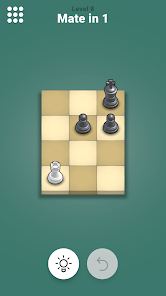
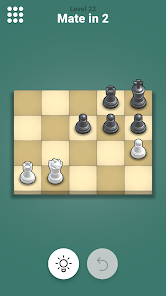
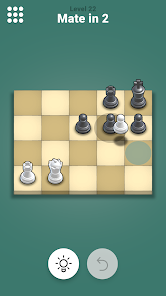
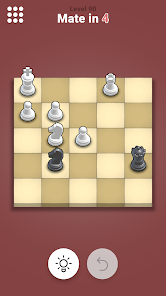
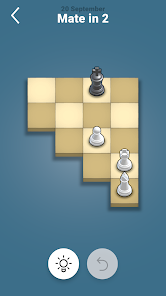
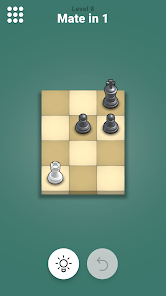
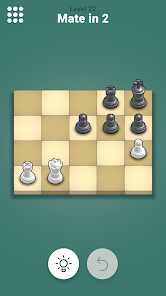
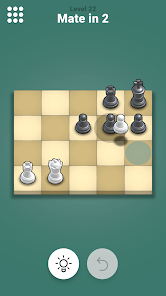
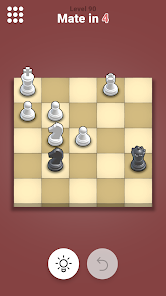
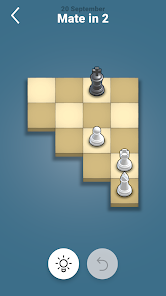
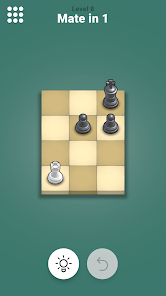
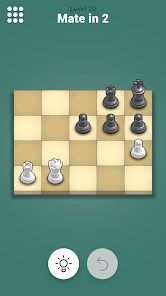
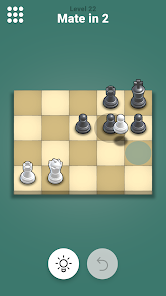
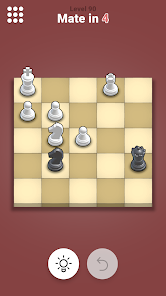
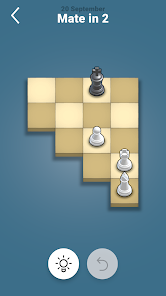
"Pocket Chess" is a versatile chess application designed for both beginners and seasoned players. One of its standout features is the user-friendly interface, which allows players to easily navigate through various game modes. The app offers single-player and multiplayer options, enabling users to play against AI or challenge friends online. Additionally, "Pocket Chess" includes a tutorial mode that provides step-by-step guidance for newcomers, making it an excellent choice for those looking to learn the game.
Another notable feature is the extensive library of chess puzzles and challenges that help players improve their skills. The app also supports customizable settings, allowing users to adjust the difficulty level, board themes, and piece styles to suit their preferences. Furthermore, "Pocket Chess" includes a game analysis tool that reviews past games, offering insights and suggestions for improvement. With regular updates and a vibrant community, "Pocket Chess" ensures that players always have fresh content and challenges to explore.
Using "Pocket Chess" is straightforward and intuitive, making it accessible for players of all skill levels. After downloading the app, users can create an account or play as guests. Once logged in, players can choose between different game modes, such as playing against the computer or engaging in online matches with friends. The app's interface displays the chessboard clearly, and players can easily move pieces by tapping and dragging them to their desired locations.
For those looking to improve their game, the tutorial mode is an excellent starting point. It guides users through the basic rules and strategies of chess, ensuring a solid foundation. Players can also access the puzzle section to practice specific scenarios and enhance their tactical skills. Additionally, the game analysis feature allows users to review their past games, providing valuable feedback on their performance. Overall, "Pocket Chess" offers a seamless experience that encourages both casual play and serious improvement.
"Pocket Chess" comes with several advantages that make it a popular choice among chess enthusiasts. One of the primary pros is its user-friendly interface, which simplifies navigation and enhances the overall gaming experience. The app's diverse game modes cater to various preferences, whether players want to practice solo or compete with others. Additionally, the inclusion of tutorials and puzzles makes it an excellent tool for learning and skill development. Regular updates keep the content fresh, ensuring that players remain engaged.
However, there are some drawbacks to consider. Some users have reported occasional bugs or glitches that can disrupt gameplay, particularly during online matches. Additionally, while the app offers a range of features, some advanced players may find it lacking in depth compared to more specialized chess software. Lastly, the free version may have limitations, prompting some users to consider upgrading to a premium subscription for additional features. Balancing these pros and cons can help users determine if "Pocket Chess" aligns with their chess-playing needs.

 #N/A
#N/A 
 #N/A
#N/A Spotify Wrapped is an annual feature that summarizes your listening habits, including your most-played songs and artists of the year.
To create a playlist, click "Your Library," then "Playlists," and select "Create Playlist." Add songs by searching or browsing.
Yes, with a Spotify Premium subscription, you can download songs and playlists for offline listening.
Spotify offers a free tier with ads, as well as a Premium subscription that removes ads and adds features.
Click the three dots next to the song, select "Share," and choose your preferred sharing method, like social media or a link.













 Google Play
  App Store