Version: 6.11.1
Developer: JustNewDesigns
 Verified App
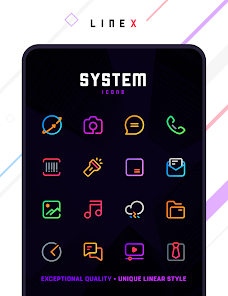
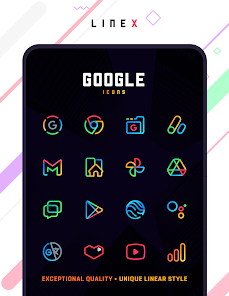
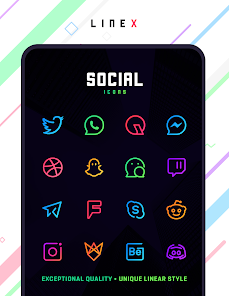
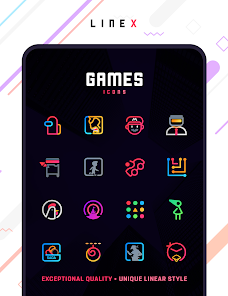
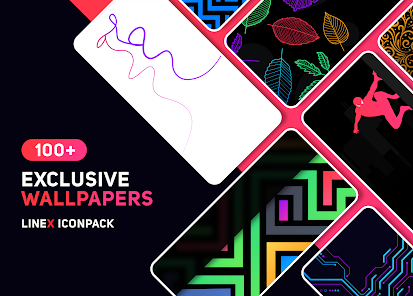
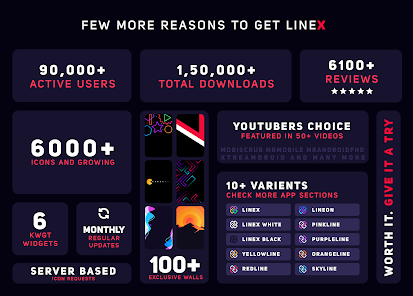
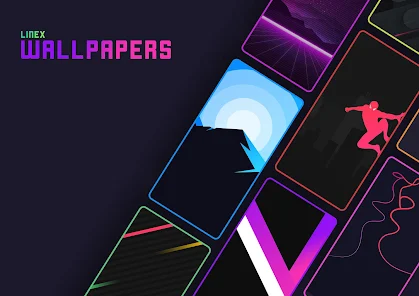
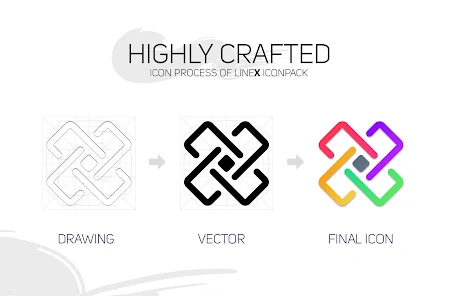
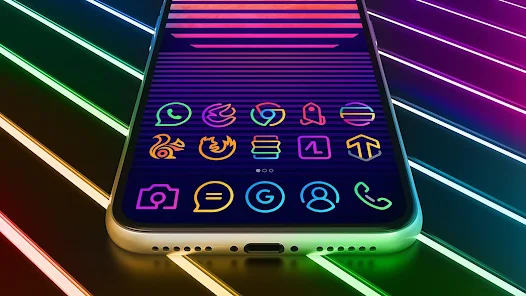

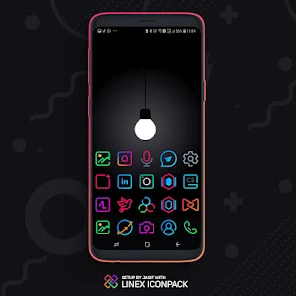
The "LineX Icon Pack" is designed to enhance the visual appeal of your device with its unique and modern iconography. One of its standout features is the extensive collection of over 3,000 icons, each crafted with a minimalist aesthetic that emphasizes clean lines and vibrant colors. This variety ensures that users can find icons that suit their personal style and preferences.
Additionally, the icon pack supports dynamic calendar icons, which automatically update to reflect the current date, providing both functionality and a fresh look. The pack is compatible with numerous launchers, including popular options like Nova Launcher, Apex Launcher, and Microsoft Launcher, making it versatile for different user setups. Regular updates are another highlight, as the developers frequently add new icons and features based on user feedback, ensuring that the pack remains current and appealing. Furthermore, the user-friendly interface allows for easy navigation and customization, making it accessible even for those who are not tech-savvy.
Using the "LineX Icon Pack" is a straightforward process that can significantly enhance your device's appearance. First, you need to download and install the icon pack from the Google Play Store. Once installed, open the app, and you will be greeted with a user-friendly interface showcasing all available icons. To apply the icon pack, you typically need a compatible launcher installed on your device.
After ensuring you have a compatible launcher, navigate to the settings of your launcher. Look for the option labeled "Themes" or "Icon Packs," and select "LineX Icon Pack" from the list. Once selected, the icons will automatically update on your home screen and app drawer. You can also customize individual app icons by long-pressing the app you wish to change, selecting "Edit," and then choosing the new icon from the "LineX" collection. This flexibility allows you to personalize your device to your liking, making it a fun and engaging experience.
The "LineX Icon Pack" comes with several advantages that make it a popular choice among users. One of the primary pros is its vast collection of over 3,000 icons, which provides ample options for customization. The minimalist design appeals to users who prefer a clean and modern aesthetic. Additionally, the regular updates ensure that new icons are added frequently, keeping the pack fresh and relevant. The compatibility with various launchers also enhances its usability, allowing a wide range of users to enjoy its features.
However, there are some drawbacks to consider. Some users may find that not all icons are available for every app, which can lead to inconsistencies in the overall look. Additionally, while the pack is designed for ease of use, those unfamiliar with customizing their devices may face a learning curve. Lastly, the reliance on third-party launchers can be a limitation for users who prefer the default interface of their devices. Balancing these pros and cons is essential for users to determine if the "LineX Icon Pack" aligns with their preferences.

 #N/A
#N/A 
 #N/A
#N/A  Google Play
  App Store
 Spotify Wrapped is an annual feature that summarizes your listening habits, including your most-played songs and artists of the year.
To create a playlist, click "Your Library," then "Playlists," and select "Create Playlist." Add songs by searching or browsing.
Yes, with a Spotify Premium subscription, you can download songs and playlists for offline listening.
Spotify offers a free tier with ads, as well as a Premium subscription that removes ads and adds features.
Click the three dots next to the song, select "Share," and choose your preferred sharing method, like social media or a link.