
 Home
Home  Apps
Apps  Games
Games  Windows
  Topics
  About Us
  Cookies & Privacy Policy
  Terms of Service
Crayon Icon Pack


Advertisement
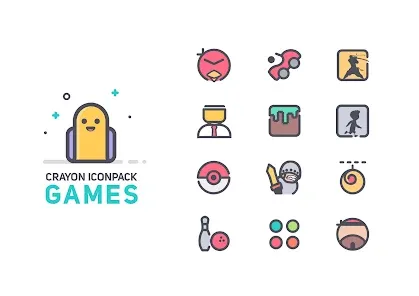
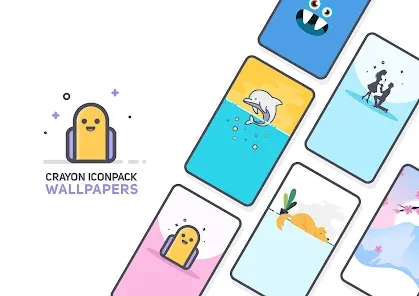
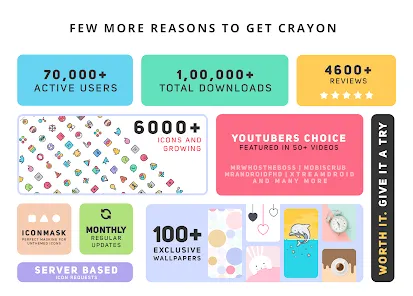
Information
- Category: Personalization
- Price: $0.99
- Age Rating: Everyone
- Rating: 4.4
- Developer: JustNewDesigns
- Version: 5.4
Advertisement
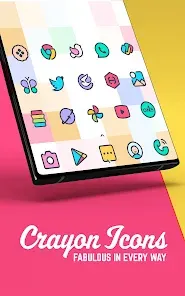
Introducing the Crayon Icon Pack, a vibrant and playful collection of hand-drawn icons designed to bring a splash of color to your device. With over 2,000 unique icons and customizable options, this pack transforms your home screen into a creative masterpiece. Enjoy seamless integration with popular launchers and easy-to-use features that allow you to personalize your experience. Elevate your device's aesthetic with the whimsical charm of Crayon Icon Pack!
Features of "Crayon Icon Pack"
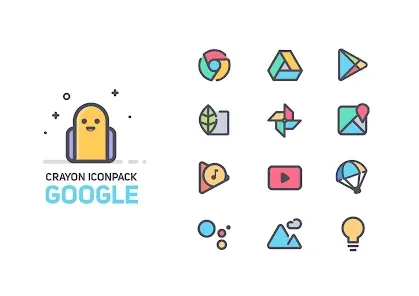
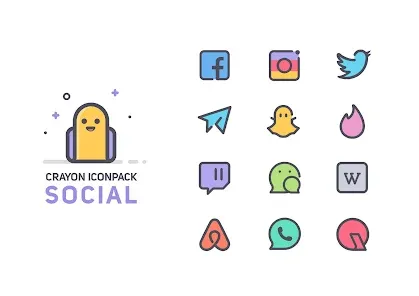
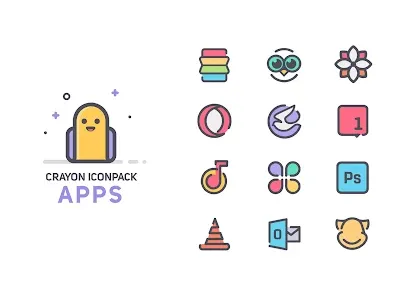
The "Crayon Icon Pack" is designed to bring a vibrant and playful aesthetic to your device's interface. One of its standout features is the extensive collection of hand-drawn icons, which adds a unique and artistic flair to your home screen. With thousands of icons available, users can customize their app shortcuts to reflect their personal style. The pack also includes a variety of wallpapers that complement the icons, ensuring a cohesive look throughout the device.
Another notable feature is the regular updates provided by the developers, which means that new icons are frequently added to keep the collection fresh and relevant. The icon pack is compatible with most popular launchers, making it easy to integrate into your existing setup. Additionally, the user-friendly interface allows for quick navigation and easy access to the icons you want to use. Overall, the "Crayon Icon Pack" is perfect for those looking to inject some creativity into their mobile experience.
How to Use "Crayon Icon Pack"
Using the "Crayon Icon Pack" is a straightforward process that enhances your device's visual appeal. First, you need to download and install the icon pack from the Google Play Store. Once installed, open the app, and you will be greeted with a user-friendly interface showcasing all the available icons. To apply the icon pack, you may need a compatible launcher, such as Nova Launcher or Apex Launcher, which can be downloaded separately if you don’t already have one.
After setting up your launcher, navigate to its settings and look for the option to change the icon pack. Select "Crayon Icon Pack" from the list, and your device will automatically update the icons. You can also customize individual app icons by long-pressing on them and selecting the option to change the icon. This allows for a personalized touch, letting you mix and match icons as you see fit. With these simple steps, you can transform your device into a colorful and artistic masterpiece.
Pros & Cons of the App
The "Crayon Icon Pack" comes with several advantages that make it a popular choice among users. One of the primary pros is its unique design, which stands out from standard icon packs. The hand-drawn style adds a whimsical touch that appeals to those looking for something different. Additionally, the extensive library of icons ensures that users can find replacements for most of their apps, enhancing customization. Regular updates from the developers also mean that new icons are consistently added, keeping the pack fresh and engaging.
However, there are some drawbacks to consider. One potential con is that the pack may not support every app, particularly less common ones, which can limit customization options. Additionally, users who prefer a more minimalist or sleek design might find the crayon style too playful for their taste. Lastly, while the pack is compatible with many launchers, some users may experience compatibility issues with specific devices or setups. Weighing these pros and cons can help users decide if the "Crayon Icon Pack" is the right fit for their needs.
Advertisement
Check All Versions  Google Play
  App Store
Google Play App Store Advertisement
Similar Apps



Top Apps

Lucky Patcher
Tools
4.5

Cocomelon
Parenting
4.5

Angry Birds
Games
4.8

SHAREit: Transfer, Share Files
Tools
4.3

PlutoTV: Live TV & Free Movies
Entertainment
3.7

Green Dot - Mobile Banking
Finance
3.6

Doxcy
Tools
4.9

Telegram
Social
4.3

Fox News - Daily Breaking News
News & Magazines
3.2

UC Browser-Safe, Fast, Private
Communication
4.4

CashApp
Finance
4.3

Hangouts
Communication
4.8
Advertisement