Version: 8.0.1
Developer: OverDrive, Inc.
 Verified App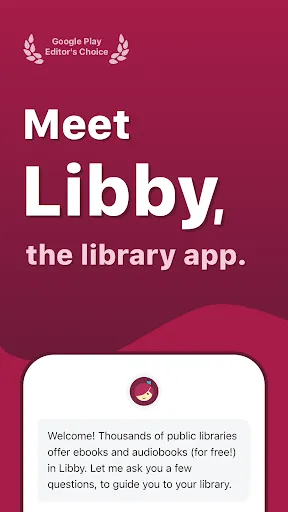
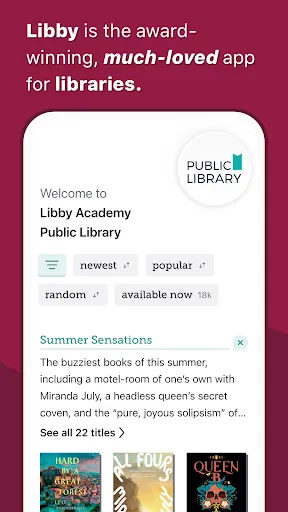
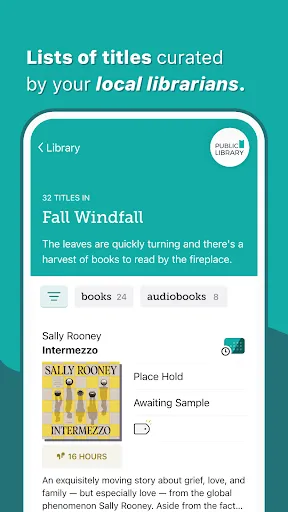
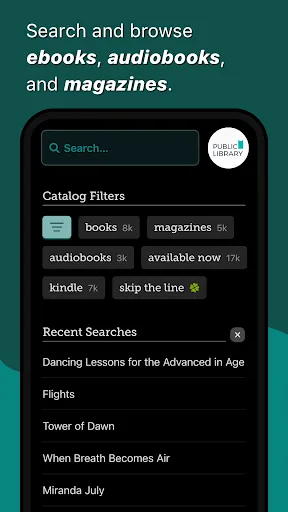
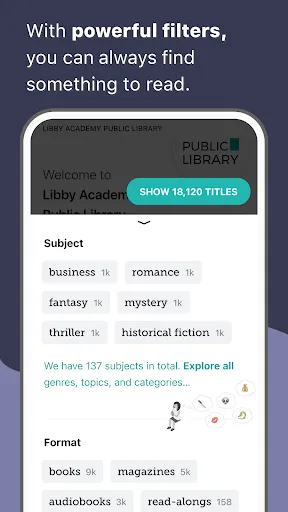
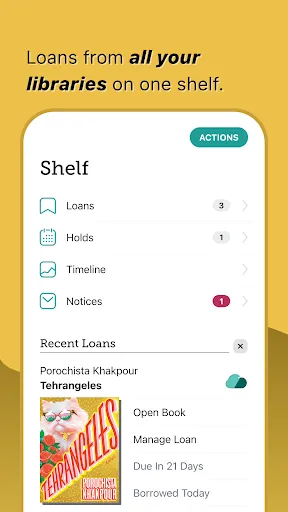
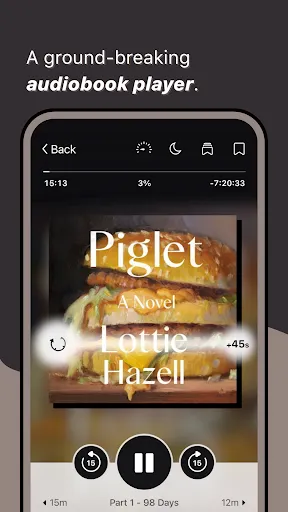
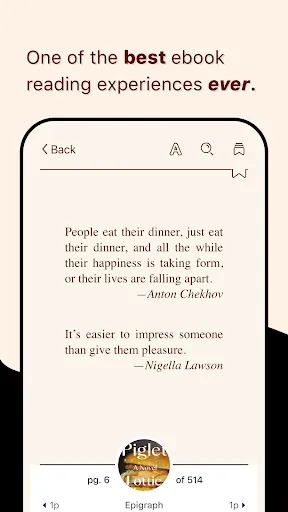
Libby, the Library App, is designed to enhance the reading experience by providing users with access to a vast collection of digital books and audiobooks. One of its standout features is the user-friendly interface, which allows for easy navigation through various categories and genres. Users can browse their local library's collection, borrow titles, and place holds on popular items that may be currently checked out.
Another notable feature is the ability to customize reading preferences. Users can adjust font sizes, background colors, and even switch to a dyslexic-friendly font to improve readability. Additionally, Libby supports offline reading, enabling users to download titles for access without an internet connection. The app also includes a built-in audiobook player with adjustable playback speed, sleep timer, and bookmarks, making it convenient for those who enjoy listening on the go.
Libby also integrates seamlessly with library cards, allowing users to manage multiple library accounts in one place. Notifications for due dates and holds are sent directly to users, ensuring they stay updated on their borrowed items. Overall, Libby combines a rich feature set with a simple design, making it an essential tool for avid readers and library patrons alike.
Using Libby is a straightforward process that begins with downloading the app from your device's app store. Once installed, users can sign in using their library card information. If you don’t have a library card, the app provides guidance on how to obtain one from your local library.
After logging in, users can explore the app's extensive catalog of ebooks and audiobooks. The search function allows for easy discovery of specific titles or authors, while browsing options let users explore curated lists and popular selections. Once you find a title you want to borrow, simply click on it and select the "Borrow" option. If the title is currently unavailable, you can place a hold and receive notifications when it becomes available.
To read or listen to borrowed titles, users can either stream them online or download them for offline access. The app also allows for easy management of borrowed items, including returning titles early or renewing them if additional time is needed. With its intuitive design and helpful features, Libby makes accessing library resources easier than ever.
Libby, the Library App, offers numerous advantages that make it a popular choice among readers. One of the primary benefits is the extensive selection of digital content available for borrowing, which includes a wide range of genres and formats. The app's user-friendly interface simplifies the process of finding and borrowing titles, making it accessible for users of all ages. Additionally, the ability to customize reading settings enhances the overall experience, catering to individual preferences.
However, there are some drawbacks to consider. One limitation is that the availability of titles can vary based on your local library's collection, which may lead to waiting periods for popular books. Furthermore, while the app is designed for ease of use, some users may experience technical issues or bugs that can disrupt their reading experience. Lastly, Libby requires a library card, which may not be accessible to everyone, limiting its user base.
In summary, while Libby provides a wealth of resources and a convenient reading experience, potential users should weigh the pros and cons to determine if it meets their needs.

 #N/A
#N/A 
 #N/A
#N/A  Google Play
  App Store
 Spotify Wrapped is an annual feature that summarizes your listening habits, including your most-played songs and artists of the year.
To create a playlist, click "Your Library," then "Playlists," and select "Create Playlist." Add songs by searching or browsing.
Yes, with a Spotify Premium subscription, you can download songs and playlists for offline listening.
Spotify offers a free tier with ads, as well as a Premium subscription that removes ads and adds features.
Click the three dots next to the song, select "Share," and choose your preferred sharing method, like social media or a link.