Category: Events
Developer: Greetings Island
 Verified App


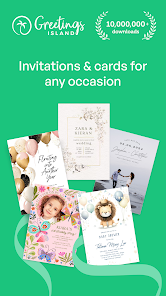
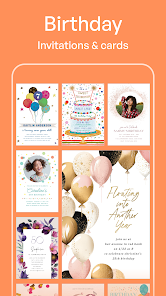
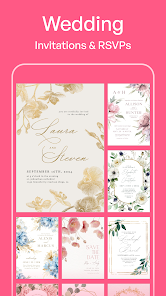
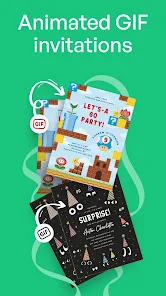
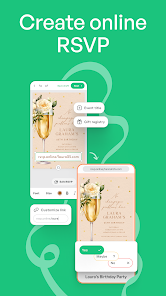
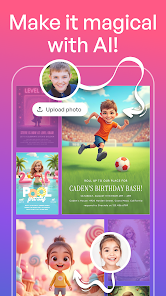
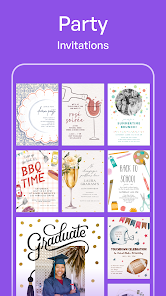
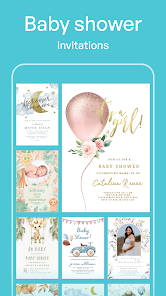
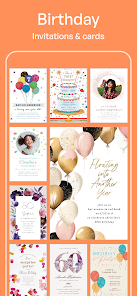
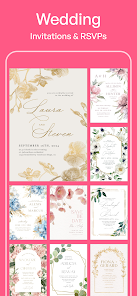
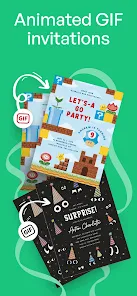
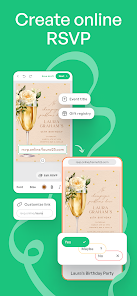

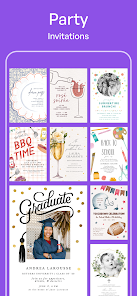
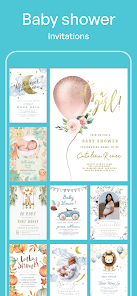
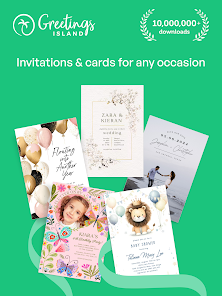
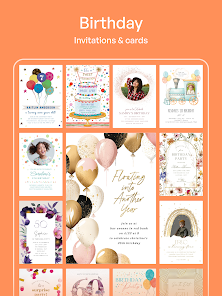
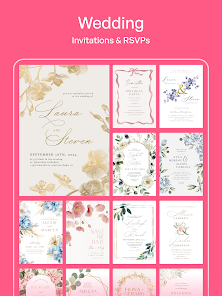
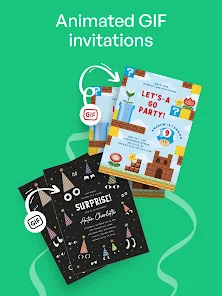
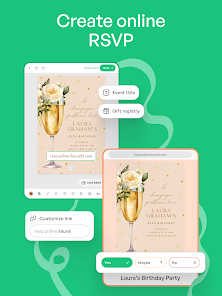
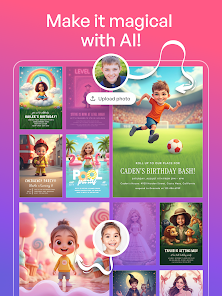
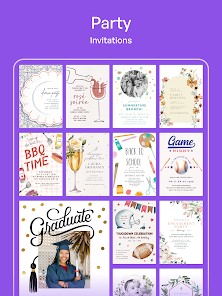
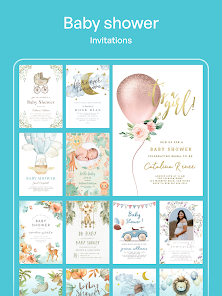
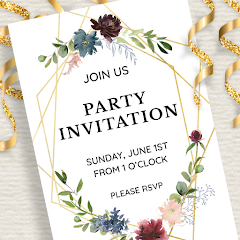
The "Invitation Card Maker, Design" app offers a plethora of features that cater to users looking to create stunning invitations for various occasions. One of its standout features is the extensive library of templates, which includes designs for weddings, birthdays, baby showers, and more. Users can easily customize these templates by altering text, colors, and images to suit their personal style and event theme.
Additionally, the app provides a user-friendly interface that simplifies the design process, making it accessible even for those with little to no graphic design experience. Users can also upload their own images and graphics, allowing for a more personalized touch. The app supports various formats for saving and sharing invitations, including PDF and JPEG, ensuring that users can easily distribute their creations via email or social media. Furthermore, the app often includes features like stickers, fonts, and background options, enabling users to enhance their designs creatively.
Using the "Invitation Card Maker, Design" app is a straightforward process that allows users to create beautiful invitations in just a few steps. First, download and install the app from your device's app store. Once opened, users can browse through the extensive collection of templates available for different occasions. After selecting a template, users can begin customizing it by tapping on text fields to edit the wording, changing fonts, and adjusting colors to match their event's theme.
Next, users can add personal touches by uploading their own images or selecting from the app's library of graphics and stickers. The drag-and-drop functionality makes it easy to position elements on the invitation. Once satisfied with the design, users can preview their invitation to ensure everything looks perfect. Finally, the app allows users to save their creations in various formats and share them directly through email or social media platforms, making the entire process efficient and enjoyable.
The "Invitation Card Maker, Design" app comes with several advantages that make it a popular choice among users. One of the primary pros is its user-friendly interface, which allows even novices to create professional-looking invitations with ease. The vast selection of templates and customization options provides users with the flexibility to design invitations that truly reflect their personal style and event theme. Additionally, the ability to save and share invitations in multiple formats enhances its usability.
However, there are some cons to consider. Some users may find that certain features are locked behind a paywall, limiting access to premium templates and design elements. Additionally, while the app is generally intuitive, some users may experience a learning curve when navigating more advanced features. Lastly, the quality of printed invitations may vary depending on the device used for printing, which could be a concern for those looking for high-quality physical copies. Overall, the app offers a balanced mix of benefits and drawbacks that users should weigh before deciding to use it.

 Create stunning invitations effortlessly with user-friendly templates. Customize designs to match your event’s theme perfectly. Access a wide variety of fonts and graphics for unique creations. Save time and money by designing invitations at home. Easily share or print your invitations directly from the platform.
 Limited customization options may hinder unique designs. User interface can be confusing for beginners. Printing quality may not meet professional standards.
  Google Play
  App Store
This app is AMAZING...I've used it for planned small gatherings and on the whim invitations to dinner for the night...They have a great selection for different types of parties & some really cute templates! Also, it's extremely easy...just pick a template, type what you want it to say, adjust the font (size, color, type), and save it to send out!
Super easy to use. Tons of options. I've used this app to create birthday invitations, Christmas party invites, gift certificates (just using the templates), greeting cards, etc... I keep thick paper (card stock) in the house and can easily order card envelopes when I need them. But you don't HAVE to print them. They can also be sent virtually. I really do love this app!

I like the options to share as a PDF, print, or image. I tried one where I uploaded my own image but there was only one option that had a text box. I wish I could have added other text boxes to put some text on top, middle, and some on bottom. It was pretty easy to use compared to a couple of them that I have tried out besides this app. I wish that you could get responses to your invite and have it count how many are coming and how many are not coming option like many other online Evite sites.
The now so called "Premium" cards used to be free!! That's one of the reasons I loved using this app, but now a lot of the really nice cards are "Premium" cards, which I'll have to subscribe to in order to customize it for a recipient. Such a disappointment, since I've been using this app for over 2 years without needing to pay for these.
I love this app! First started out using the website, but then I found they had an app! So much easier & user friendly! Where else can you find online e-cards/e-invites for FREE & even PRINT them? Nothing comparable to the # of templates/editing tools. Only reason it only got 4 stars instead of 5 is because I'd love to be able to sign into an account, that would enable us to save our finished items! Then I'll move it to 5 stars! Easily!!
Review Source: Google Play store public user reviews.
Yes, users are encouraged to submit suggestions or feedback through the app's settings or support section, helping to improve future updates and features.
Invitation card Maker, Design may collect personal data as outlined in its privacy policy, but it typically focuses on providing a user-friendly experience while maintaining user privacy.
Yes, Invitation card Maker, Design allows users to create and edit invitations offline, although some features may require an internet connection for certain templates or graphics.
Users can cancel their subscription through their app store account settings, following the appropriate steps for their specific platform.
The subscription costs vary depending on the plan chosen, with options for monthly or annual subscriptions that unlock premium features and templates.
Unfortunately, customer numbers are unique and cannot be changed. If you have concerns, please contact customer service for assistance.
Yes, you can log in to your account from multiple devices. Just enter your credentials on each device to access your designs.
You can reach our customer service through the 'Contact Us' section on our website or by emailing support
You can update your customer information by logging in to your account and navigating to the 'Profile' section. Make your changes and save them.
To activate your account, check your email for an activation link and click on it. If you don't see the email, check your spam folder.
New for invitations: RSVP Maybe, plus-one limits, AI photo styles, and AI stickers:-RSVP Maybe: Guests can reply “Maybe” when plans are uncertain.-Plus-One Limits: Control guest count by limiting plus-ones.-AI Photo Styles: Apply magic styles to your photos with AI.-AI Stickers: Create custom stickers for your designs.-Bug fixes and performance improvements.