
Version: 1.11.09
Developer: ELECTRONIC ARTS
 Verified App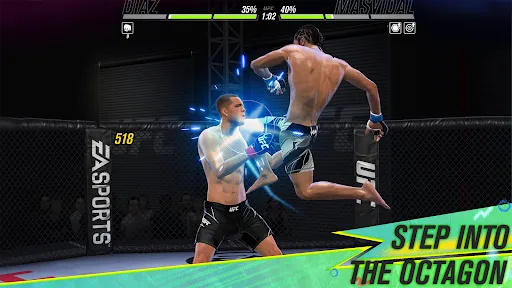
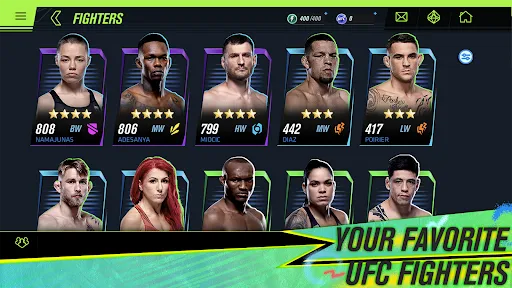
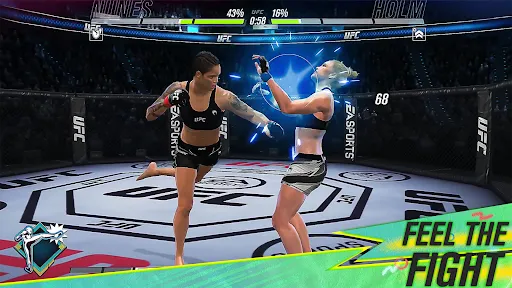
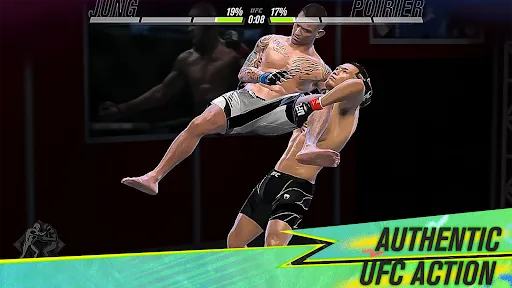
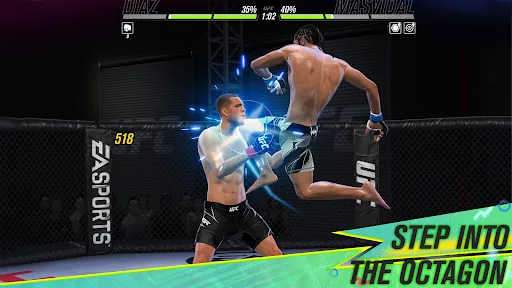
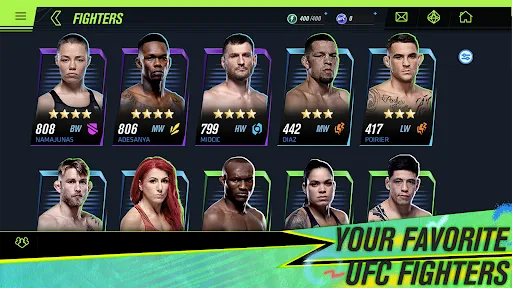
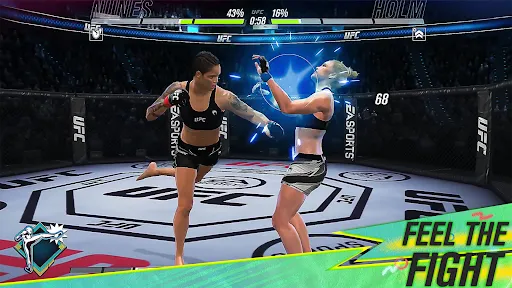
"EA SPORTS™ UFC® Mobile 2" offers an immersive fighting experience that brings the excitement of the octagon to your mobile device. Players can create and customize their own fighters, choosing from a wide array of attributes, fighting styles, and appearances. The game features a roster of real-life UFC fighters, allowing players to engage in thrilling matchups with their favorite athletes.
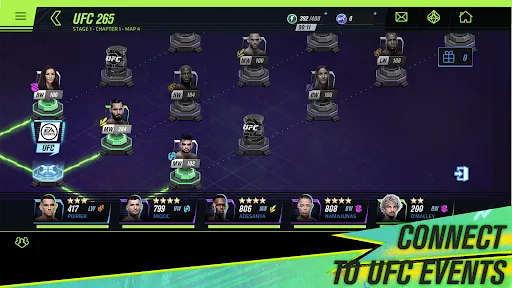
The game includes various modes, such as Career Mode, where players can rise through the ranks and compete for championships. Additionally, there are live events and challenges that keep the gameplay fresh and engaging. The graphics are impressive for a mobile game, providing a realistic representation of the fighters and their moves. Players can also engage in real-time PvP battles, testing their skills against others from around the world. With regular updates, the game continues to evolve, introducing new fighters and features to enhance the overall experience.
To get started with "EA SPORTS™ UFC® Mobile 2," first, download the game from your device's app store. Once installed, launch the game and create your account or log in using an existing one. After setting up your profile, you can begin customizing your fighter, selecting their appearance, fighting style, and attributes to suit your preferences.
Once your fighter is ready, you can dive into various game modes. Start with the Career Mode to learn the basics and improve your skills. Participate in training sessions to enhance your fighter's abilities and prepare for upcoming matches. As you progress, you can unlock new moves and upgrades. Don't forget to check the live events and challenges regularly, as they offer unique rewards and opportunities to compete against other players. Engage in PvP battles to test your skills and climb the leaderboards, making sure to adapt your strategies based on your opponents' fighting styles.
Like any mobile game, "EA SPORTS™ UFC® Mobile 2" has its strengths and weaknesses. One of the major pros is its impressive graphics and realistic animations, which enhance the overall gaming experience. The extensive roster of fighters and the ability to customize your own character adds depth and personalization to the game. Additionally, the variety of game modes, including Career and PvP, keeps players engaged and offers numerous ways to enjoy the game.
On the downside, some players may find the in-game purchases necessary to progress quickly, which can be frustrating for those who prefer a free-to-play experience. Additionally, the matchmaking system in PvP battles can sometimes lead to imbalanced fights, making it challenging for newer players. Lastly, while the game receives regular updates, some users may feel that certain features could be improved or expanded upon. Overall, "EA SPORTS™ UFC® Mobile 2" provides an entertaining experience, but it may not be perfect for everyone.

 #N/A
#N/A 
 #N/A
#N/A  Google Play
  App Store
 Spotify Wrapped is an annual feature that summarizes your listening habits, including your most-played songs and artists of the year.
To create a playlist, click "Your Library," then "Playlists," and select "Create Playlist." Add songs by searching or browsing.
Yes, with a Spotify Premium subscription, you can download songs and playlists for offline listening.
Spotify offers a free tier with ads, as well as a Premium subscription that removes ads and adds features.
Click the three dots next to the song, select "Share," and choose your preferred sharing method, like social media or a link.