Version: 8.65.0
Developer: Age of Learning, Inc.
 Verified App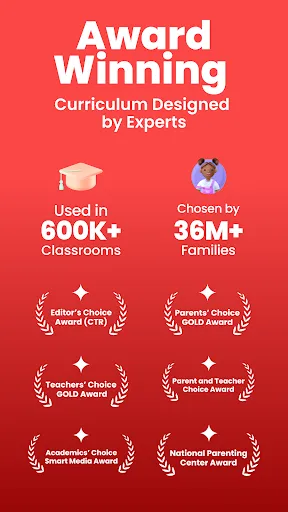
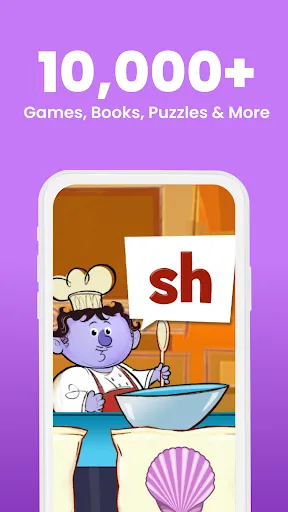
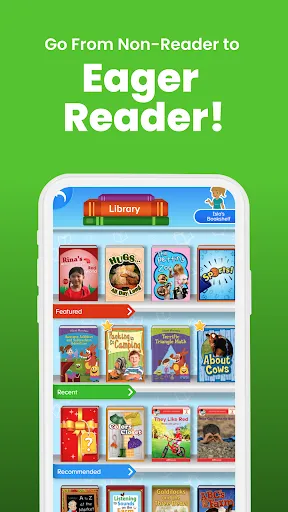
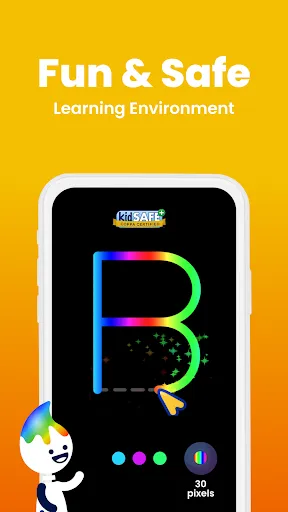
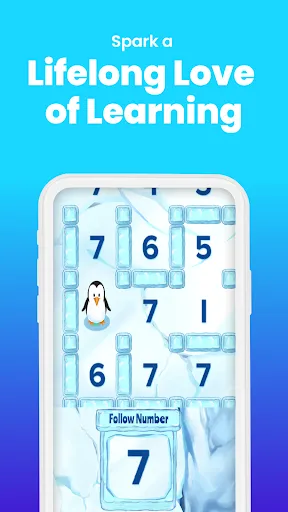
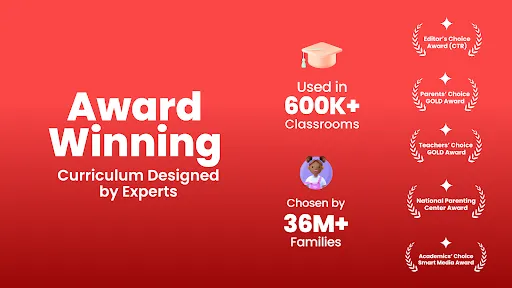
ABCmouse – Kids Learning Games is a comprehensive educational platform designed for children aged 2 to 8 years. It offers a wide array of interactive activities that cover essential subjects such as reading, math, science, and art. The app features over 10,000 learning activities, including games, puzzles, songs, and books, which are tailored to engage young learners effectively. Each activity is designed to be age-appropriate, ensuring that children can learn at their own pace while having fun.
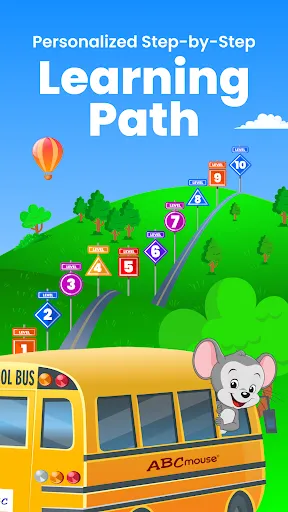
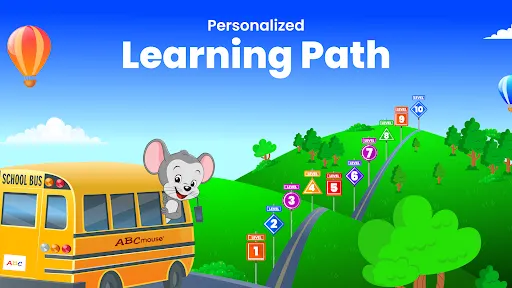
One of the standout features of ABCmouse is its personalized learning path, which adapts to each child's progress and skill level. This allows for a customized educational experience that can cater to individual learning needs. Additionally, the app includes progress tracking tools for parents, enabling them to monitor their child's development and achievements. The vibrant graphics and engaging animations further enhance the learning experience, making it enjoyable for kids. Overall, ABCmouse combines educational content with entertainment, making it a valuable resource for early childhood education.
Using ABCmouse – Kids Learning Games is straightforward and user-friendly, making it accessible for both children and parents. To get started, parents need to create an account and set up a profile for their child. This process includes entering the child's age and selecting their learning preferences, which helps tailor the experience to their needs. Once the profile is set up, children can explore the app's various features, including games, books, and activities.
Children can navigate through the app using a simple interface that allows them to choose from different subjects and activities. The app encourages exploration by providing rewards and achievements as children complete tasks, which motivates them to continue learning. Parents can also engage with their children by participating in activities together or discussing what they have learned. Regularly checking the progress reports available in the app helps parents stay informed about their child's development and areas that may need additional focus. Overall, ABCmouse is designed to make learning enjoyable and effective for young children.
ABCmouse – Kids Learning Games comes with several advantages that make it a popular choice among parents and educators. One of the primary benefits is its extensive library of educational content, which covers a wide range of subjects and skills. The app's interactive nature keeps children engaged, making learning fun and enjoyable. Additionally, the personalized learning paths allow children to progress at their own pace, catering to individual learning styles. The progress tracking feature also provides valuable insights for parents, helping them support their child's educational journey.
However, there are some drawbacks to consider. One potential downside is the subscription cost, which may be a barrier for some families. While the app offers a wealth of resources, some users have noted that certain activities can become repetitive over time. Additionally, the app may require a stable internet connection for optimal use, which could be a limitation in areas with poor connectivity. Despite these cons, many parents find that the benefits of ABCmouse outweigh the drawbacks, making it a worthwhile investment in their child's education.

 #N/A
#N/A 
 #N/A
#N/A  Google Play
  App Store
 Spotify Wrapped is an annual feature that summarizes your listening habits, including your most-played songs and artists of the year.
To create a playlist, click "Your Library," then "Playlists," and select "Create Playlist." Add songs by searching or browsing.
Yes, with a Spotify Premium subscription, you can download songs and playlists for offline listening.
Spotify offers a free tier with ads, as well as a Premium subscription that removes ads and adds features.
Click the three dots next to the song, select "Share," and choose your preferred sharing method, like social media or a link.