
 Home
Home  Apps
Apps  Games
Games  Windows
  Topics
  About Us
  Cookies & Privacy Policy
  Terms of Service
Poshmark - Sell & Shop Online


Advertisement






Information
- Category: Shopping
- Price: free
- Age Rating: Everyone
- Rating: 4.5
- Developer: Poshmark, Inc
- Version: 9.28
Advertisement
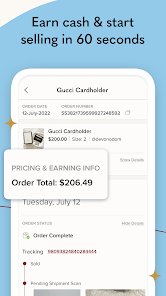
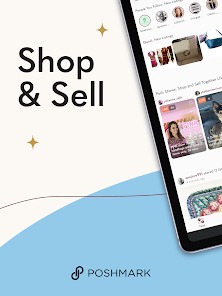
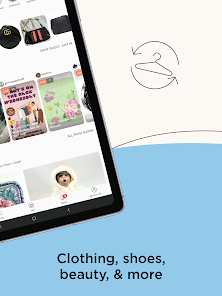
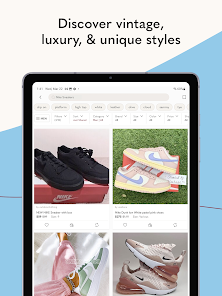
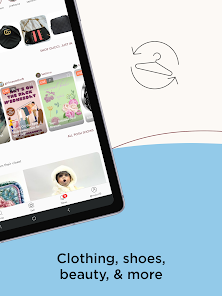
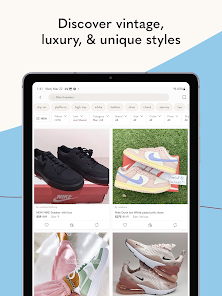
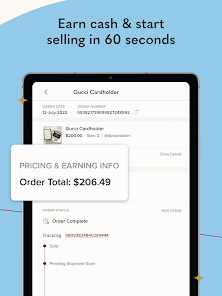
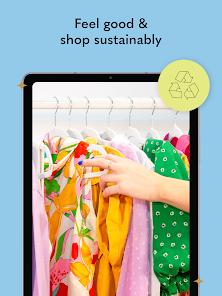
Poshmark is a vibrant online marketplace that allows users to buy and sell new and gently used fashion items. With a user-friendly interface, the app connects fashion enthusiasts, enabling them to discover unique styles, list their own items for sale, and engage with a community of like-minded shoppers. Whether you're looking to refresh your wardrobe or find great deals, Poshmark makes online shopping and selling a fun and social experience.
Features of "Poshmark - Sell & Shop Online"
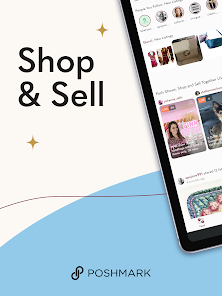
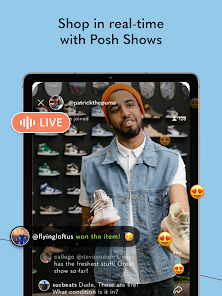
Poshmark is a vibrant online marketplace that allows users to buy and sell new and gently used clothing, accessories, and home goods. One of its standout features is the user-friendly interface, which makes listing items for sale a breeze. Sellers can easily upload photos, add descriptions, and set prices, all from their mobile devices. The app also includes a social networking aspect, enabling users to follow each other, share listings, and engage in discussions, fostering a community atmosphere.
Another notable feature is the Poshmark Closet, where sellers can showcase their items in a personalized space. The app also offers a "Posh Parties" feature, which are virtual shopping events that allow users to share and shop specific categories, enhancing visibility for sellers. Additionally, Poshmark provides shipping labels for easy item dispatch, ensuring a seamless transaction process. The app also includes a rating system, allowing buyers to leave feedback on their purchases, which helps maintain trust within the community.
How to Use "Poshmark - Sell & Shop Online"
Using Poshmark is straightforward and user-friendly. To get started, download the app from the App Store or Google Play and create an account. Once registered, you can begin browsing through a vast array of listings or start selling your own items. To sell, simply click on the "Sell" button, take clear photos of your item, and write a detailed description, including brand, size, and condition. Set a competitive price to attract buyers.
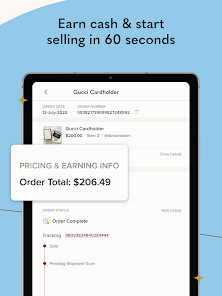
After listing your item, promote it by sharing it on social media or participating in Posh Parties to increase visibility. When a buyer makes a purchase, Poshmark will provide a prepaid shipping label for you to print and attach to your package. Once the buyer receives the item and confirms its condition, the payment will be released to you. Engaging with the community by following other users and sharing their listings can also enhance your selling experience and help you build a following.
Pros & Cons of the App
Poshmark offers several advantages that make it a popular choice for both buyers and sellers. One of the main pros is its user-friendly interface, which simplifies the process of listing items and navigating through the marketplace. The social aspect of the app encourages community engagement, allowing users to connect and share their favorite items. Additionally, the built-in shipping solution streamlines transactions, making it easy for sellers to send their products without hassle.
However, there are some drawbacks to consider. Poshmark charges a commission fee on sales, which can be a downside for sellers looking to maximize their profits. The app is primarily focused on fashion, which may limit options for those interested in other categories. Furthermore, the competitive nature of the platform can make it challenging for new sellers to gain visibility among established users. Overall, while Poshmark provides a convenient and engaging platform, potential users should weigh these pros and cons before diving in.
Advertisement
 Google Play
  App Store
 Advertisement
Similar Apps






Top Apps

Lucky Patcher
Tools
4.5

Cocomelon
Parenting
4.5

Angry Birds
Games
4.8

SHAREit: Transfer, Share Files
Tools
4.3

PlutoTV: Live TV & Free Movies
Entertainment
3.7

Green Dot - Mobile Banking
Finance
3.6

Doxcy
Tools
4.9

Telegram
Social
4.3

Fox News - Daily Breaking News
News & Magazines
3.2

UC Browser-Safe, Fast, Private
Communication
4.4

CashApp
Finance
4.3

Hangouts
Communication
4.8
Advertisement