Version: 35.5
Developer: bubble quiz games
 Verified App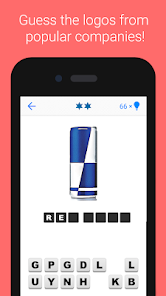
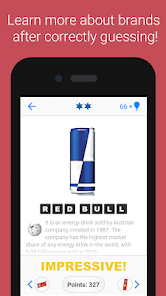
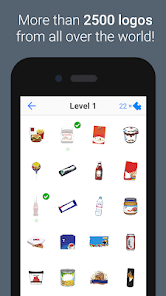
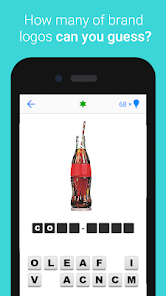
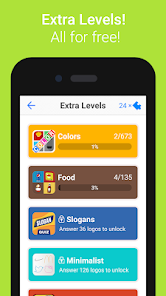
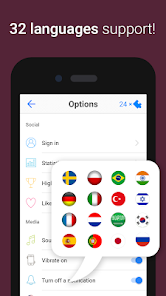
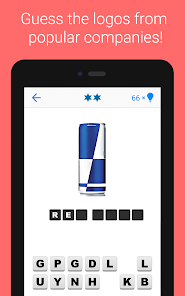
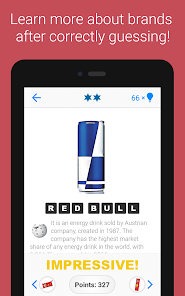
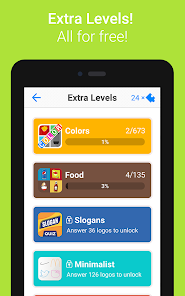
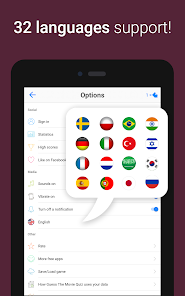
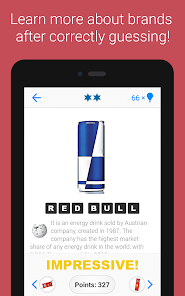
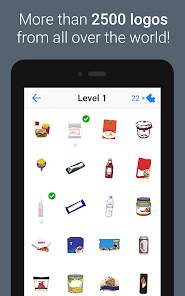
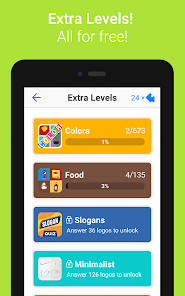
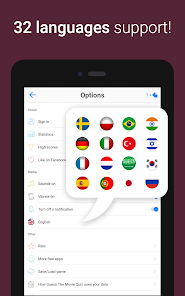
"Logo Quiz" is an engaging mobile game that challenges players to identify various brand logos from around the world. One of its standout features is the extensive collection of logos, which spans numerous categories, including food, technology, fashion, and more. This variety keeps the gameplay fresh and exciting, as players encounter both well-known and obscure brands.
Another notable feature is the progressive difficulty level. As players advance through the game, the logos become increasingly challenging to identify, ensuring that the game remains stimulating and rewarding. Additionally, "Logo Quiz" often includes hints and lifelines, allowing players to seek assistance when they encounter particularly tough logos. The game also features a leaderboard, enabling players to compete with friends and other users, adding a competitive edge to the experience. Furthermore, the user-friendly interface and vibrant graphics enhance the overall enjoyment, making it accessible for players of all ages.
Using "Logo Quiz" is straightforward and user-friendly, making it accessible for players of all ages. To begin, users need to download the app from their preferred app store and install it on their device. Once launched, players can start a new game by selecting a level or category that interests them. The game presents a logo, and players must type in the name of the brand associated with it.
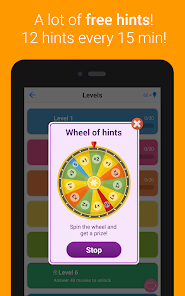
If players are unsure of an answer, they can utilize hints provided within the game. These hints can help reveal letters or eliminate incorrect options, making it easier to guess the logo. Players can also track their progress and see how many logos they have successfully identified. The game encourages repeated play, as users can revisit levels to improve their scores or challenge friends to beat their records. Overall, "Logo Quiz" offers a fun and interactive way to test one’s knowledge of brands while enjoying a casual gaming experience.
"Logo Quiz" comes with several advantages that make it a popular choice among mobile gamers. One of the primary pros is its engaging gameplay, which is both entertaining and educational. Players can learn about various brands while having fun, making it a great way to pass the time. The app's wide range of logos ensures that players will always find something new to challenge themselves with, and the competitive aspect of leaderboards adds an exciting dimension to the experience.
However, there are some drawbacks to consider. Some users may find that the hints can be overly helpful, reducing the challenge and satisfaction of solving the logos independently. Additionally, the app may occasionally feature logos that are outdated or less relevant, which can frustrate players. Furthermore, while the game is free to download, it may include ads or in-app purchases that could detract from the overall experience. Balancing these pros and cons is essential for players to determine if "Logo Quiz" aligns with their gaming preferences.

 #N/A
#N/A 
 #N/A
#N/A  Google Play
  App Store
 Spotify Wrapped is an annual feature that summarizes your listening habits, including your most-played songs and artists of the year.
To create a playlist, click "Your Library," then "Playlists," and select "Create Playlist." Add songs by searching or browsing.
Yes, with a Spotify Premium subscription, you can download songs and playlists for offline listening.
Spotify offers a free tier with ads, as well as a Premium subscription that removes ads and adds features.
Click the three dots next to the song, select "Share," and choose your preferred sharing method, like social media or a link.