Version: 11.19.2.111902002
Developer: IMVU, Inc.
 Verified App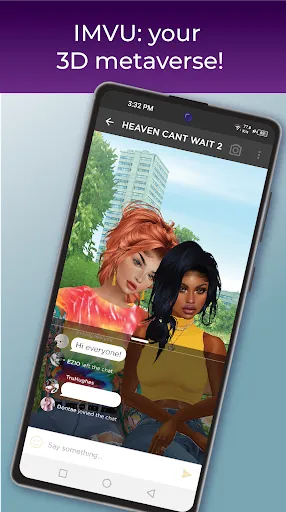
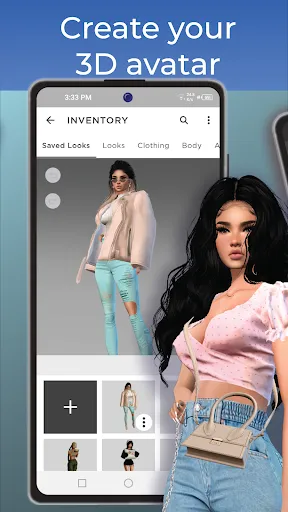
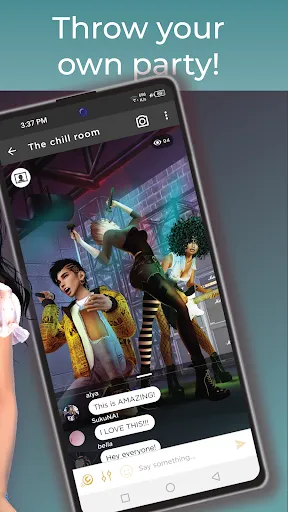
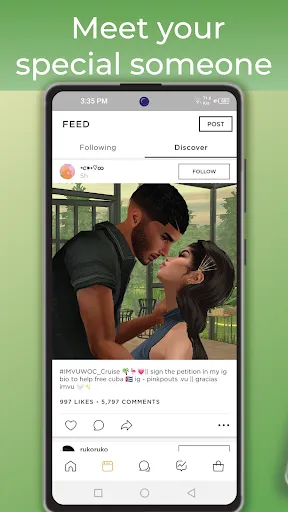
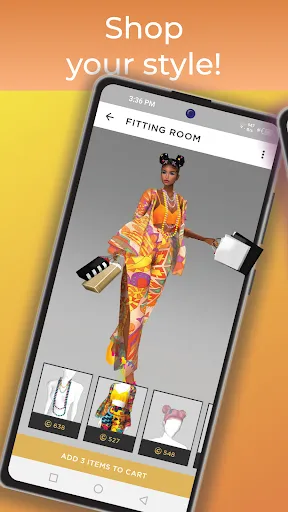
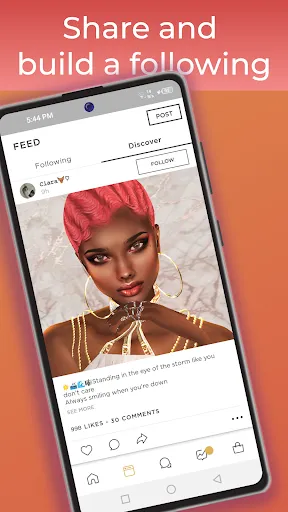
IMVU: Social Chat & Avatar app offers a unique platform for users to create personalized 3D avatars and engage in social interactions. One of its standout features is the extensive customization options available for avatars, allowing users to choose from a vast array of clothing, accessories, and hairstyles to express their individuality. The app also includes a rich virtual world where users can explore various themed rooms and environments, enhancing the social experience.
Another notable feature is the chat functionality, which enables users to communicate with friends and meet new people in real-time. IMVU supports both text and voice chat, making conversations more dynamic and engaging. Additionally, the app hosts a marketplace where users can buy and sell virtual goods, fostering a vibrant economy within the platform. Regular updates and events keep the community active, providing fresh content and opportunities for users to connect and socialize.
Using the IMVU app is straightforward and user-friendly. First, download the app from your device's app store and create an account. Once registered, you can start customizing your avatar by selecting various features such as skin tone, clothing, and accessories. The intuitive interface allows for easy navigation through the customization options, ensuring that users can create an avatar that truly represents them.
After setting up your avatar, you can explore the virtual world by entering different chat rooms or themed environments. To interact with others, simply click on their avatars to initiate a chat. You can choose between text and voice options, making it easy to connect with friends or meet new people. Additionally, you can participate in events and activities hosted within the app, enhancing your social experience. Remember to check the marketplace regularly for new items to enhance your avatar and surroundings.
IMVU: Social Chat & Avatar app has several advantages that make it appealing to users. One of the primary benefits is the extensive customization options available for avatars, allowing for a high degree of personalization. The app also fosters a vibrant community where users can meet and interact with people from around the world, making it a great platform for socializing. Additionally, the marketplace offers a unique opportunity for users to create and sell virtual goods, adding an entrepreneurial aspect to the experience.
However, there are some drawbacks to consider. The app can be resource-intensive, which may lead to performance issues on older devices. Some users may also find the in-app purchases necessary to fully enjoy the experience, which can be a downside for those looking for a free experience. Furthermore, the open nature of the platform may expose users to inappropriate content or interactions, necessitating caution, especially for younger users. Balancing these pros and cons is essential for a fulfilling experience on IMVU.

 #N/A
#N/A 
 #N/A
#N/A  Google Play
  App Store
 Spotify Wrapped is an annual feature that summarizes your listening habits, including your most-played songs and artists of the year.
To create a playlist, click "Your Library," then "Playlists," and select "Create Playlist." Add songs by searching or browsing.
Yes, with a Spotify Premium subscription, you can download songs and playlists for offline listening.
Spotify offers a free tier with ads, as well as a Premium subscription that removes ads and adds features.
Click the three dots next to the song, select "Share," and choose your preferred sharing method, like social media or a link.