Version: 2.1.2218
Developer: astragon Entertainment GmbH
 Verified App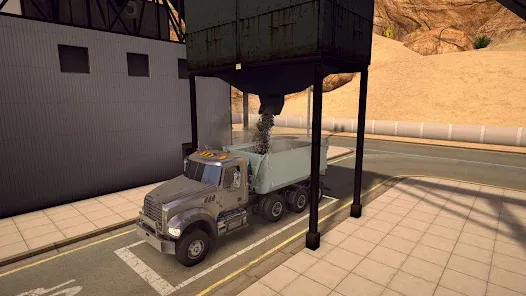

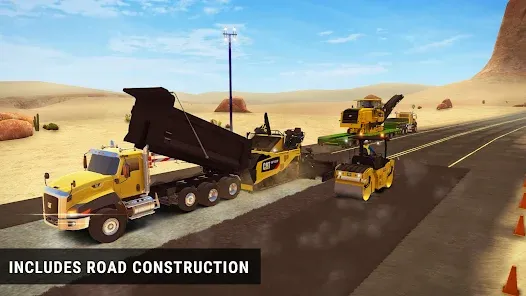


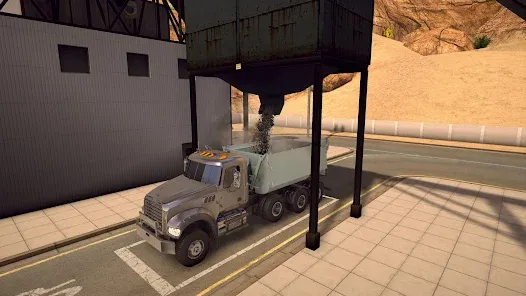

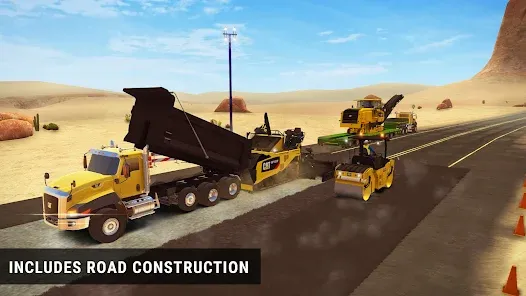

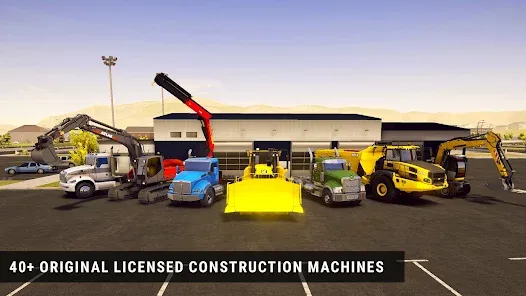

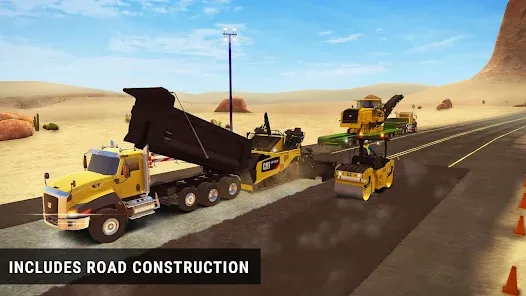

"Construction Simulator 2" offers a rich and immersive experience for players who enjoy building and managing construction projects. One of its standout features is the extensive fleet of licensed vehicles and machinery, including excavators, cranes, and trucks from renowned manufacturers. This variety allows players to engage in realistic construction tasks, enhancing the gameplay experience.
The game also boasts a detailed open-world environment, set in a fictional city where players can explore and undertake various construction missions. Players can manage their own construction company, taking on contracts that range from small residential projects to large commercial developments. The progression system allows players to earn money and unlock new vehicles and equipment, adding depth to the gameplay.
Additionally, "Construction Simulator 2" includes a user-friendly interface and intuitive controls, making it accessible for both casual gamers and simulation enthusiasts. The graphics are visually appealing, with realistic physics and animations that bring the construction process to life. Overall, the combination of these features creates an engaging and enjoyable simulation experience.
To get started with "Construction Simulator 2," players first need to download the game from their preferred app store and install it on their device. Once the game is launched, players can create a new profile and begin their journey in the construction industry. The tutorial mode is highly recommended for beginners, as it provides essential guidance on controls, vehicle operation, and mission objectives.
As players progress, they will receive various contracts that require different types of construction work. It’s important to choose the right vehicles and equipment for each task, as this can significantly impact efficiency and success. Players can manage their finances by completing contracts, which allows them to purchase new machinery and expand their company.
Additionally, players can explore the open-world environment to discover new opportunities and challenges. Engaging with the community through online features can also enhance the experience, as players can share tips and strategies. Overall, mastering the controls and understanding the game mechanics will lead to a rewarding experience in "Construction Simulator 2."
"Construction Simulator 2" comes with several advantages that make it appealing to players. One of the primary pros is its realistic simulation of construction processes, which provides an engaging experience for those interested in the industry. The variety of licensed vehicles and equipment adds authenticity, allowing players to operate real-world machinery. The open-world environment encourages exploration and offers numerous contracts, keeping the gameplay fresh and exciting.
However, there are some drawbacks to consider. Some players may find the controls challenging, especially if they are new to simulation games. Additionally, while the graphics are generally impressive, some users have reported occasional performance issues on lower-end devices. The in-game economy can also feel unbalanced at times, making it difficult for players to progress without spending real money on in-app purchases.
In summary, "Construction Simulator 2" offers a captivating construction experience with its realistic features and engaging gameplay. However, potential players should weigh the pros and cons to determine if it aligns with their gaming preferences.

 #N/A
#N/A 
 #N/A
#N/A  Google Play
  App Store
 Spotify Wrapped is an annual feature that summarizes your listening habits, including your most-played songs and artists of the year.
To create a playlist, click "Your Library," then "Playlists," and select "Create Playlist." Add songs by searching or browsing.
Yes, with a Spotify Premium subscription, you can download songs and playlists for offline listening.
Spotify offers a free tier with ads, as well as a Premium subscription that removes ads and adds features.
Click the three dots next to the song, select "Share," and choose your preferred sharing method, like social media or a link.