Version: 34.0.0.728
Developer: Space Ape
 Verified App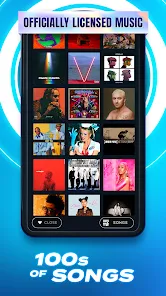
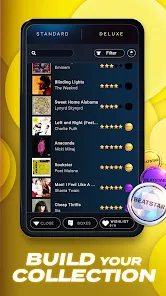
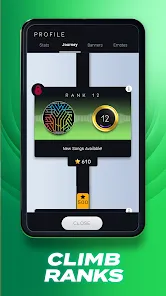
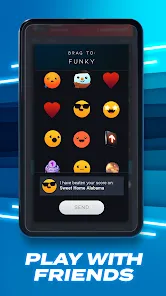
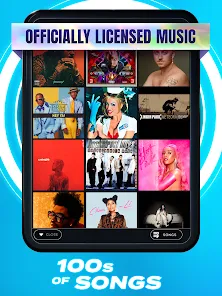
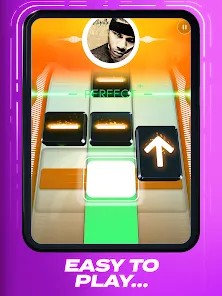
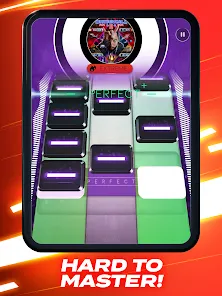
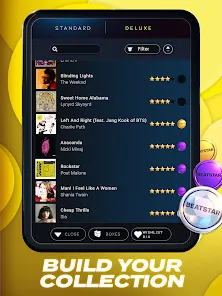
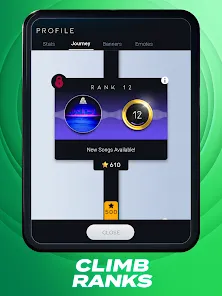
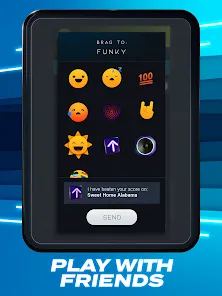
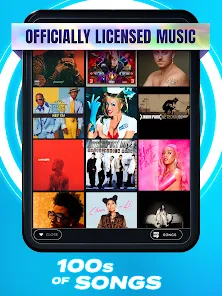
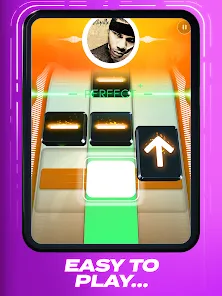
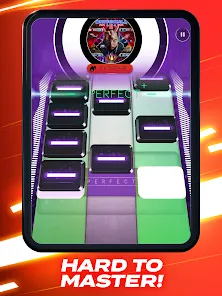
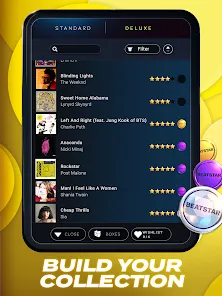
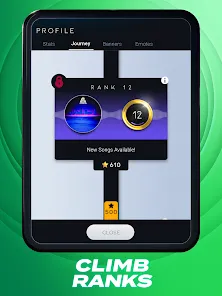
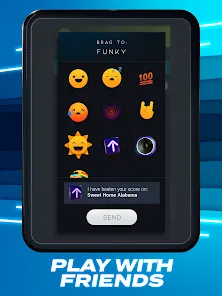
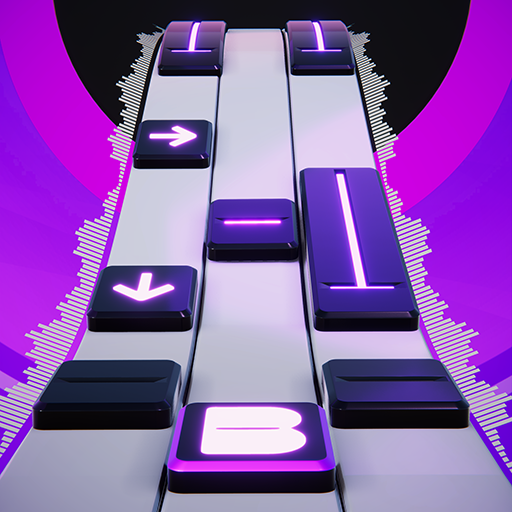
"Beatstar - Touch Your Music" is an engaging rhythm game that combines music and gameplay in a unique way. One of its standout features is a vast library of songs spanning various genres, allowing players to enjoy tracks from their favorite artists. The game offers a visually appealing interface with vibrant graphics that enhance the overall experience. Players can tap, swipe, and hold notes in time with the music, creating an immersive rhythm experience.
Additionally, "Beatstar" includes a competitive element, where players can challenge friends or compete on global leaderboards, adding a social aspect to the game. The app also features regular updates with new songs and challenges, keeping the gameplay fresh and exciting. Players can customize their experience by unlocking new songs and rewards as they progress. The intuitive controls make it accessible for players of all skill levels, ensuring that everyone can enjoy the rhythm-based fun.
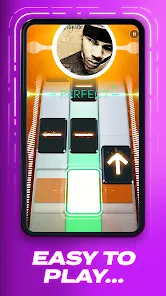
Using "Beatstar - Touch Your Music" is straightforward and user-friendly. Upon launching the app, players are greeted with a selection of songs to choose from. To start playing, simply select a track that appeals to you. The game will then present a series of notes that correspond to the rhythm of the music. Players must tap, swipe, or hold the notes as they appear on the screen, aiming to hit them accurately to score points.
As you progress through the levels, the difficulty may increase, introducing more complex patterns and faster tempos. Players can also earn rewards and unlock new songs by completing challenges and achieving high scores. To enhance your experience, consider connecting with friends to share scores and compete against each other. Regularly check for updates to discover new songs and features that keep the gameplay engaging and enjoyable.
"Beatstar - Touch Your Music" offers several advantages that make it a popular choice among rhythm game enthusiasts. One of the main pros is its extensive song library, which includes a diverse range of genres and artists, catering to various musical tastes. The game's graphics and animations are visually appealing, creating an immersive experience. Additionally, the competitive aspect encourages players to improve their skills and engage with friends, fostering a sense of community.
However, there are some drawbacks to consider. Some users may find that the in-app purchases can be a bit overwhelming, as certain features or songs may require additional payments. Additionally, while the game is accessible to beginners, more experienced players might find the difficulty levels inconsistent. Lastly, occasional bugs or performance issues can detract from the overall experience. Balancing these pros and cons can help players determine if "Beatstar" is the right fit for their gaming preferences.

 #N/A
#N/A 
 #N/A
#N/A Spotify Wrapped is an annual feature that summarizes your listening habits, including your most-played songs and artists of the year.
To create a playlist, click "Your Library," then "Playlists," and select "Create Playlist." Add songs by searching or browsing.
Yes, with a Spotify Premium subscription, you can download songs and playlists for offline listening.
Spotify offers a free tier with ads, as well as a Premium subscription that removes ads and adds features.
Click the three dots next to the song, select "Share," and choose your preferred sharing method, like social media or a link.







 Google Play
  App Store