Version: 7.4.6
Developer: Habby
 Verified App

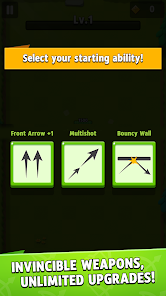
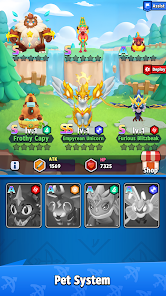

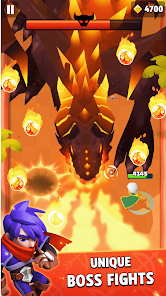


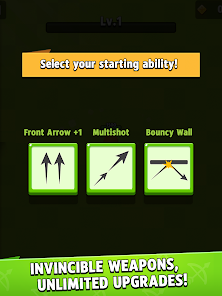
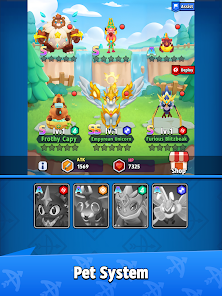

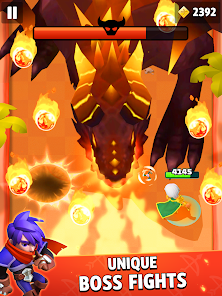

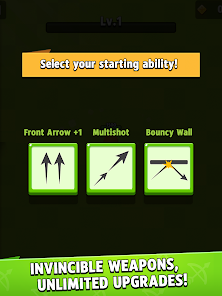
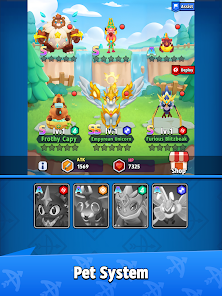


"Archero" is an engaging action-adventure game that combines elements of archery and dungeon crawling. One of its standout features is the unique character progression system, where players can unlock and upgrade various heroes, each with distinct abilities and playstyles. The game offers a variety of levels, each filled with different enemies and challenges, ensuring that gameplay remains fresh and exciting.
Another notable feature is the randomized skill system. After each level, players can choose from a selection of skills that enhance their abilities, allowing for diverse strategies and playstyles. The game also includes a wide array of weapons and equipment, which can be upgraded to improve performance. Additionally, "Archero" features a visually appealing art style and smooth animations, making the gameplay experience enjoyable. The game also supports offline play, allowing players to enjoy it without an internet connection, which is a significant advantage for mobile gamers.
To get started with "Archero," first, download the game from your device's app store and install it. Once you launch the game, you will be introduced to the basic mechanics through a tutorial that guides you on how to control your character and use your bow. Players navigate through various levels, each filled with enemies and obstacles, using simple touch controls to aim and shoot.
As you progress, you will earn coins and experience points, which can be used to unlock new heroes and upgrade your existing ones. After completing each level, you will be presented with a selection of skills to choose from, allowing you to customize your character's abilities. It's essential to experiment with different combinations of skills and weapons to find the strategy that works best for you. Regularly upgrading your gear and practicing your aim will significantly enhance your chances of success in the game.
"Archero" has several advantages that make it a popular choice among mobile gamers. One of the main pros is its addictive gameplay, which combines action and strategy, keeping players engaged for hours. The randomized skill system adds a layer of depth, allowing for varied gameplay experiences each time you play. Additionally, the game's offline mode is a significant benefit, enabling players to enjoy it without needing a constant internet connection.
However, there are some drawbacks to consider. The game can become repetitive over time, as players may find themselves facing similar challenges in different levels. Furthermore, while the in-game purchases can enhance the experience, they may also create a pay-to-win environment, which can be frustrating for players who prefer not to spend money. Lastly, some users have reported occasional bugs and performance issues, which can detract from the overall experience. Balancing these pros and cons is essential for players to determine if "Archero" is the right game for them.

 #N/A
#N/A 
 #N/A
#N/A Spotify Wrapped is an annual feature that summarizes your listening habits, including your most-played songs and artists of the year.
To create a playlist, click "Your Library," then "Playlists," and select "Create Playlist." Add songs by searching or browsing.
Yes, with a Spotify Premium subscription, you can download songs and playlists for offline listening.
Spotify offers a free tier with ads, as well as a Premium subscription that removes ads and adds features.
Click the three dots next to the song, select "Share," and choose your preferred sharing method, like social media or a link.













 Google Play
  App Store